If you’re serious about improving your golf game, you know how important accurate data is. Launch monitors give you that data, but the real magic happens when you connect them with the right golf apps.
Finding apps that work smoothly with most launch monitors can feel overwhelming. What if you could easily discover which apps fit your device and help you get the most from every swing? Keep reading, because we’re breaking down the best golf apps compatible with the top launch monitors, so you can boost your performance without any hassle.
Popular Launch Monitors
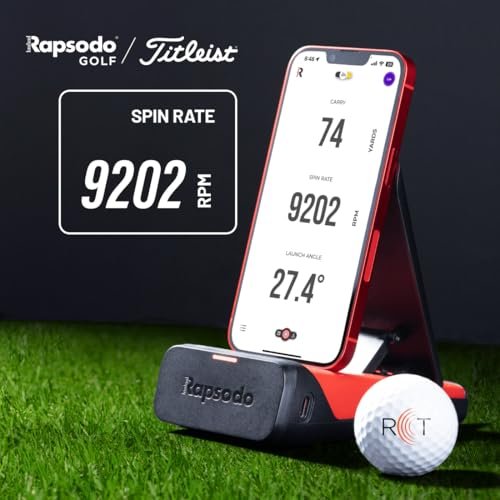
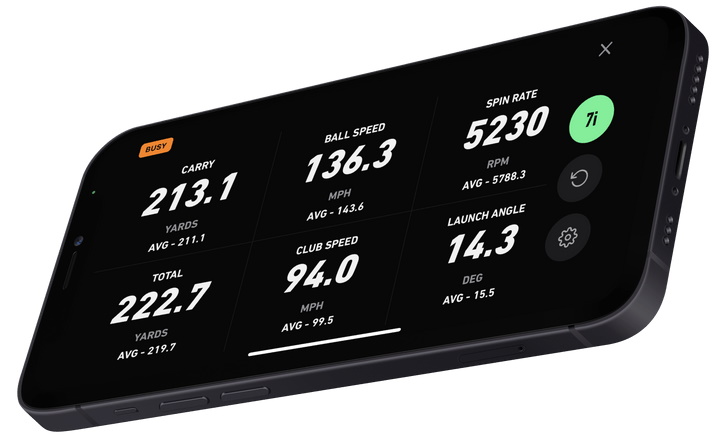
Popular launch monitors are key tools for golfers seeking to improve their game. They track important data like ball speed, launch angle, and spin rate. Many golf apps now work well with these devices. This helps players analyze shots and practice more effectively.
Choosing the right launch monitor means knowing which brands and models work best with popular golf apps. Understanding features is also important to match your needs and budget.
Top Brands And Models
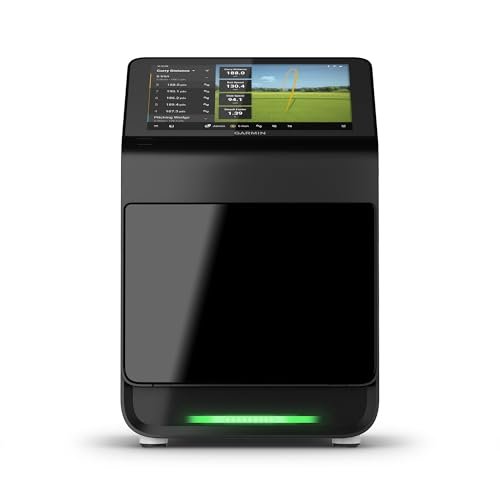
Several top brands lead the market for launch monitors. TrackMan is known for its accuracy and wide app compatibility. Flightscope offers models with solid features and user-friendly apps. SkyTrak is popular for home use and pairs with many golf apps. Garmin also provides reliable devices with useful app options. Each brand offers different models to fit various skill levels and budgets.
Key Features To Consider
Accuracy is the most important feature in a launch monitor. Look for devices that provide reliable data on ball and club speed. Portability matters for easy setup and transport. Battery life helps if you play outdoors or in different locations. Compatibility with multiple golf apps ensures flexibility in training. Price is a factor, but quality and features should guide your choice.

Golf Apps For Launch Monitors
Golf apps designed for launch monitors help players track and improve their game. These apps work with devices that measure swing speed, ball flight, and other data. They turn numbers into useful insights. Players can see their strengths and areas to improve. Many apps support various popular launch monitors. This makes them flexible for different golf setups.
The right app can make practice more fun and effective. It shows detailed stats and guides players through training drills. Easy-to-use apps help golfers focus on their swing and technique. These apps often include video playback and shot analysis tools. They provide a clear picture of each shot’s performance.
App Functions And Benefits
Most golf apps collect data like ball speed, launch angle, and spin rate. They organize this data into charts and graphs. This helps golfers understand their shot patterns. Some apps offer practice plans tailored to your skill level. They suggest drills to improve weak areas.
Many apps also track progress over time. This shows growth and helps set new goals. Some apps allow sharing data with coaches or friends. This encourages feedback and friendly competition. A few apps include virtual courses for realistic play. This adds variety and keeps training interesting.
User Interface And Experience
Good golf apps have simple, clear layouts. Buttons and menus are easy to find and use. Data is displayed in a way that is easy to read. Visual aids like color codes and icons highlight key stats.
Many apps support touch gestures for zooming and scrolling. This helps explore data in detail. Some apps offer voice commands or audio feedback. This keeps players focused on their swing. Fast loading times and stable connections improve the experience. Apps that work well with multiple devices add extra convenience.
Compatibility Factors
Compatibility is key when choosing golf apps for launch monitors. Not all apps work with every device. Understanding compatibility factors helps you pick the right app for your setup.
These factors include the type of device, operating system, and how the app connects to the launch monitor. Knowing these details ensures smooth performance and accurate data tracking.
Supported Devices And Systems
Most golf apps support popular devices like smartphones, tablets, and laptops. They often work with both iOS and Android systems. Some apps are designed specifically for one platform.
Check the app’s requirements before download. Your device’s system version matters too. Older devices might not run the latest app versions well. Compatibility with your launch monitor model is also important. Confirm this to avoid connection problems.
Connectivity Options
Golf apps connect to launch monitors using Bluetooth, Wi-Fi, or USB. Bluetooth is common for wireless convenience. Wi-Fi allows faster data transfer and better range. USB connections offer stable and direct links.
Choose an app that supports your launch monitor’s connection type. Some apps automatically detect devices. Others require manual setup. Reliable connectivity ensures real-time data and accurate feedback during practice.
Top Compatible Golf Apps
Choosing the right golf app can improve your practice sessions. The best apps work well with most launch monitors. They show useful data like ball speed, launch angle, and spin rate. These apps help you track progress and understand your swing better. Here are some top golf apps compatible with many launch monitors.
App A: Features And Compatibility
App A offers easy setup with popular launch monitors. It displays shot data clearly on your device. Users can view swing speed, carry distance, and shot dispersion. The app supports video playback for swing analysis. It works with both Android and iOS devices.
App B: Features And Compatibility
App B connects smoothly to most Bluetooth launch monitors. It provides detailed statistics and performance trends. Users can create custom practice drills inside the app. The interface is simple and user-friendly. It supports real-time data display during your swing.
App C: Features And Compatibility
App C is known for its accurate shot tracking features. It pairs easily with many radar and camera-based monitors. The app offers 3D shot visualization and club data. It helps golfers improve by showing consistent feedback. Compatible with tablets and smartphones on multiple platforms.
Choosing The Right App
Choosing the right golf app is key to getting the most from your launch monitor. The right app helps you track your shots, analyze your swing, and improve your game. Not every app works with every launch monitor. You need to find one that fits your device and your goals.
Matching Apps To Your Launch Monitor
Each launch monitor supports certain apps. Some apps work well with popular brands like SkyTrak, FlightScope, or TrackMan. Check the app’s compatibility before downloading. Some apps offer better features for specific launch monitors. Choose an app designed to read your monitor’s data accurately. This ensures you get the best feedback on your performance.
Budget And Subscription Considerations
Golf apps come with different prices. Some are free with basic features. Others require a one-time purchase or a monthly subscription. Think about how much you want to spend. Subscriptions may offer more tools and updates. Free apps might be enough if you only want simple stats. Balance your budget with the features you need to improve your golf.

Tips For Optimal Use
Using golf apps with launch monitors can improve your practice sessions. Proper use helps you get the best data and feedback. Follow these tips to use your launch monitor and app effectively.
Setting Up Your Launch Monitor And App
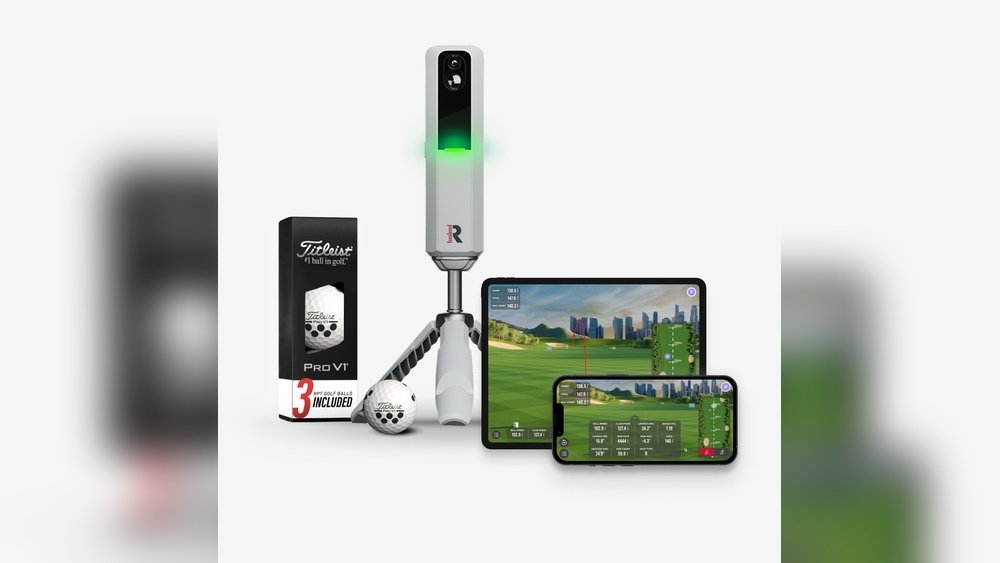
Place your launch monitor on a flat surface near your hitting area. Make sure it faces the ball directly for accurate readings. Turn on the monitor and open the compatible golf app. Connect the app to the launch monitor using Bluetooth or Wi-Fi. Check the app settings for your skill level and preferences. Calibrate the device if the app offers this feature. This step ensures precise tracking of your shots.
Maximizing Data Accuracy
Use the launch monitor in good lighting and clear weather. Avoid strong sunlight or shadows on the hitting area. Use golf balls recommended by the app or monitor brand. Keep the hitting surface clean and free of debris. Swing naturally without rushing to get consistent results. Review the shot data after each swing to spot errors. Regularly update the app and monitor firmware for best performance.
Frequently Asked Questions
What Golf Apps Work Best With Launch Monitors?
Apps like FlightScope, TrackMan, and SkyTrak are highly compatible with most launch monitors. They offer precise data and seamless integration, improving your practice and game analysis.
Can I Use Free Golf Apps With Launch Monitors?
Yes, some free apps like Golf GPS & Scorecard or Zepp Golf work with select launch monitors. However, paid apps often provide more advanced features and better compatibility.
Do Golf Apps Improve My Launch Monitor Data?
Golf apps enhance launch monitor data by offering detailed stats, swing analysis, and shot tracking. This helps golfers make informed adjustments and improve performance.
Are Launch Monitor-compatible Golf Apps Available For Smartphones?
Most golf apps compatible with launch monitors are available for iOS and Android devices. This allows easy access to your data and practice tools on the go.
Conclusion
Choosing the right golf app can improve your practice sessions. Most launch monitors work well with popular apps. These apps help track your swing and ball flight easily. They offer useful data to help you improve step by step. Simple apps with clear features suit many players best.
Try a few apps to see which fits your style. Using compatible apps makes your golf practice more fun and effective. Keep testing and enjoy watching your game get better.