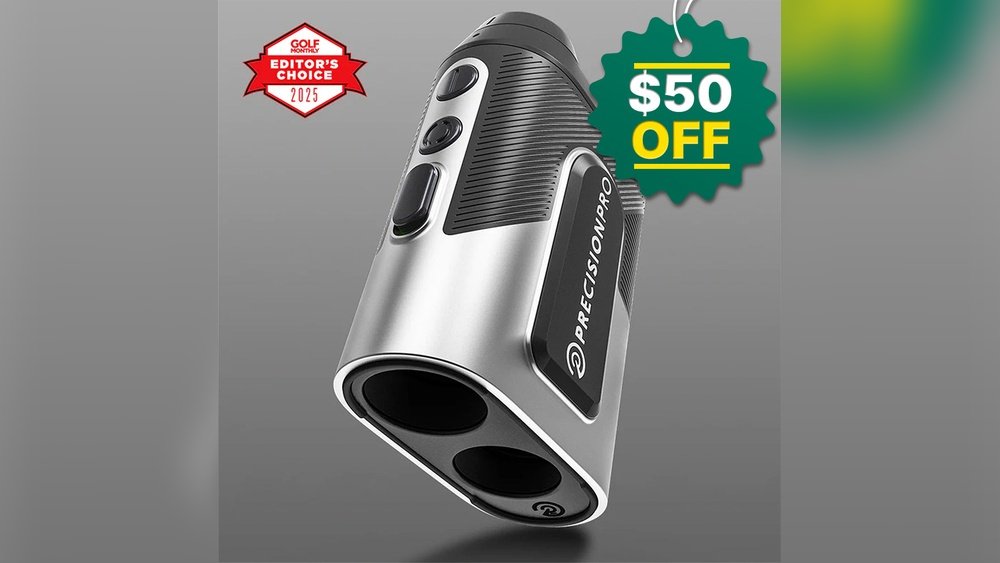
Is your golf rangefinder acting up or showing signs of a weak battery? Knowing how to replace the battery yourself can save you time, money, and frustration out on the course.
Imagine never missing a perfect shot because your device died at a crucial moment. In this guide, you’ll learn simple, step-by-step instructions to get your rangefinder powered up and ready to go again. Keep reading to ensure your game stays sharp and your device works like new every time you need it.

Tools Needed
Replacing the battery in a golf rangefinder requires some basic tools. Having the right tools makes the process easier and safer. It helps avoid damage to the device.
Gathering these tools before starting saves time. Most are easy to find and affordable. Prepare a clean workspace to keep small parts safe.
Small Phillips Screwdriver
A small Phillips screwdriver is essential for removing screws. Most rangefinder covers are held by tiny screws. Using the correct size prevents stripping the screw heads.
Tweezers
Tweezers help remove the old battery safely. They also assist in placing the new battery correctly. This tool avoids touching the battery with fingers, which can affect battery life.
Replacement Battery
Use the exact battery type recommended by the manufacturer. Check the model number on the old battery. Using the wrong battery can harm the rangefinder or reduce its performance.
Soft Cloth Or Mat
Place the rangefinder on a soft cloth or mat. It prevents scratches during the battery replacement. It also keeps small screws and parts from rolling away.
Plastic Pry Tool (optional)
Sometimes, a plastic pry tool helps to open the battery cover gently. It avoids scratching or damaging the device. Use it carefully to avoid breaking clips or seals.
Locate The Battery Compartment
Locating the battery compartment is the first step in replacing the battery in your golf rangefinder. The battery compartment holds the power source and is usually easy to find. Knowing where it is helps you change the battery quickly and keep your device working.
Most golf rangefinders have a small door or panel on the back or bottom. This door covers the battery and protects it from dirt and moisture. The design keeps the battery secure during use on the golf course.
Check The Back Or Bottom Of The Rangefinder
Look at the back or bottom of your rangefinder. You might see a small panel or a round cover. This is often the battery compartment. It may have a small notch or a sliding mechanism to open it.
Look For A Screw Or Slide Lock
Some models use a tiny screw to keep the battery door closed. You may need a small screwdriver to open it. Others have a slide lock that you can push or slide with your finger.
Refer To The User Manual
If you cannot find the battery compartment, check the user manual. It usually shows the exact spot and how to open it. Manuals help avoid damage and make the process simple.
Remove The Old Battery
Removing the old battery is the first step to replace it in your golf rangefinder. This step is simple but must be done carefully. A proper removal helps avoid damage to the device. Follow the instructions below to safely take out the old battery.
Open The Compartment Cover
Find the battery compartment on your rangefinder. It is usually at the back or bottom. Look for a small latch or sliding cover. Gently slide or lift the cover open. Do not force it. If stuck, try a small tool like a coin to open it. Keep the cover safe for later.
Take Out The Battery
Once the compartment is open, locate the battery inside. Use your fingers or a small tool to carefully lift the battery out. Avoid touching other parts inside the compartment. Hold the battery by its edges to prevent damage. Dispose of the old battery properly according to local rules.

Choose The Right Replacement Battery
Choosing the right replacement battery is important for your golf rangefinder. The battery powers your device and helps it work correctly. Picking the wrong type can cause problems or damage.
Not all batteries fit every rangefinder model. You must check the device’s manual or look at the old battery for clues. Knowing the correct battery type saves time and keeps your rangefinder safe.
Check The Battery Type
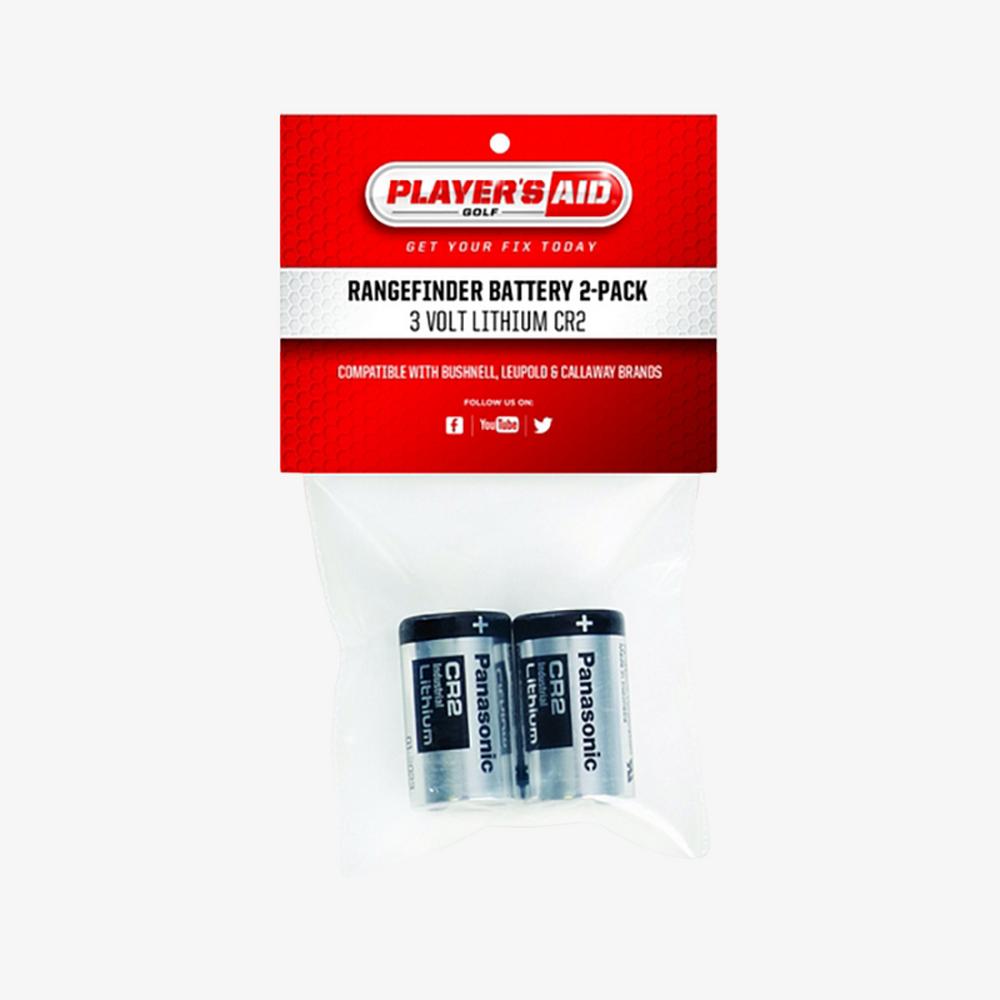
Find the battery type listed in the user manual. It often includes a number or code. Common types are CR2, CR123A, or AAA. Using the right type ensures the rangefinder works well.
Consider Battery Life
Battery life affects how long your rangefinder runs. Choose a battery with a longer life for less frequent changes. This helps during long rounds on the golf course.
Choose Quality Brands
Buy batteries from trusted brands. Cheap batteries may leak or lose power quickly. Good brands offer reliable performance and protect your rangefinder.
Check Voltage Compatibility
The battery voltage must match the rangefinder’s requirements. Too high or too low voltage can damage the device. Always verify this before buying a new battery.
Buy From Reliable Sellers
Purchase batteries from reputable stores or online shops. This reduces the risk of fake or expired batteries. Reliable sellers provide genuine products with warranties.
Install The New Battery
Installing the new battery in your golf rangefinder is a simple step. It brings your device back to life and keeps it ready for the course. Follow the right steps to avoid damage and ensure the device works well.
Insert Battery Correctly
Look for the battery compartment and open it carefully. Check the battery type and match it with the new one. Pay attention to the positive (+) and negative (-) signs. Place the battery with the correct side facing up. This helps the device get power without problems.
Secure The Compartment Cover
Close the battery compartment cover tightly. Make sure it fits snugly without gaps. Press down or twist, depending on the design. A secure cover keeps dirt and water out. It also stops the battery from falling out during use.
Test The Rangefinder
After replacing the battery, check the rangefinder’s power by turning it on. Make sure the display is clear and accurate before use. Test the device by measuring a known distance to confirm proper function.
Power On The Rangefinder
Turn on the rangefinder after replacing the battery. Check if the device powers up normally. A quick beep or light usually means it is working. If it does not turn on, recheck the battery placement. Make sure the contacts are clean and the battery is fresh.
Check The Display And Settings
Look at the screen for any error messages or dimness. Adjust the brightness if needed. Confirm that the settings are still correct. The rangefinder should show distance readings clearly. If the display is blurry or missing, the battery might not be seated properly.
Test The Rangefinder’s Accuracy
Aim at a known target and press the measure button. Compare the reading to the actual distance. Repeat this test a few times. Consistent results indicate the battery replacement was successful. Inconsistent or no readings suggest a problem with the battery or device.
Tips For Battery Maintenance
Maintaining the battery of your golf rangefinder helps it last longer. Good care keeps the device ready for use on the course.
Simple steps can prevent battery drain and extend its life. These tips save money and improve performance.
Store Batteries In A Cool, Dry Place
Heat and moisture damage batteries quickly. Keep them away from direct sunlight and humid areas. A cool, dry spot is best for storage.
Remove Batteries When Not In Use
If the rangefinder sits unused for weeks, take out the battery. This stops slow power loss and prevents corrosion inside the device.
Check Battery Contacts Regularly
Clean the contacts with a soft cloth. Dirt or rust can stop proper connection. Clean contacts help the battery work efficiently.
Use The Correct Battery Type
Always replace the battery with the recommended type. Using the wrong battery can damage the rangefinder or reduce battery life.
Turn Off The Rangefinder After Use
Switch off the device to save battery power. Leaving it on wastes energy and shortens battery life.
Frequently Asked Questions
How Do I Know When To Replace My Golf Rangefinder Battery?
You should replace the battery when the device shows low power or stops working. Dim display and slow response also indicate battery replacement is needed. Check your rangefinder’s manual for specific battery life guidelines.
What Type Of Battery Does A Golf Rangefinder Use?
Most golf rangefinders use CR2 or CR2032 lithium batteries. Always check your device’s manual for the correct battery type. Using the wrong battery can damage the rangefinder or affect its performance.
Is It Difficult To Replace A Golf Rangefinder Battery?
Replacing the battery is usually simple and requires no tools. Open the battery compartment, remove the old battery, and insert the new one correctly. Follow your device’s instructions carefully to avoid damage.
How Can I Safely Dispose Of Used Golf Rangefinder Batteries?
Used batteries should be recycled properly to prevent environmental harm. Take them to a local battery recycling center or hazardous waste facility. Never throw batteries in regular trash to avoid pollution and safety hazards.
Conclusion
Replacing the battery in your golf rangefinder is simple and quick. Open the battery compartment carefully. Insert the new battery with the right side up. Close the compartment firmly to avoid damage. Test your rangefinder to ensure it works well.
Regular battery checks keep your device ready for use. Taking these small steps helps you enjoy accurate distance readings every time. Keep your golf game smooth and stress-free. Now, you can confidently replace the battery whenever needed.


