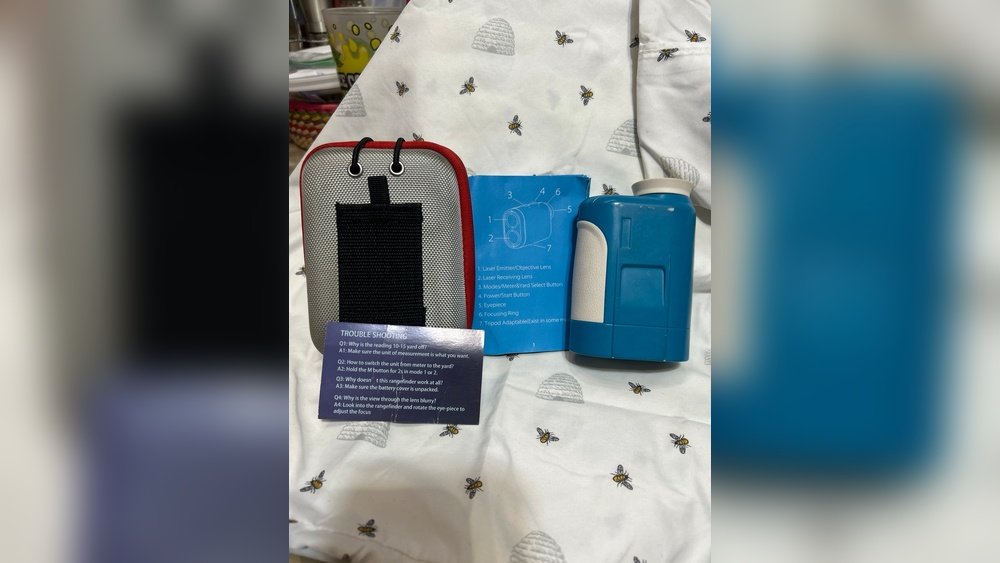
Are you struggling to get clear readings from your golf rangefinder because the lens is blurry? It’s frustrating when your shots aren’t as accurate as they should be, and that fuzzy view can throw off your entire game.
But don’t worry—fixing a blurry golf rangefinder lens is easier than you might think. You’ll discover simple, effective steps to restore your lens to crystal-clear condition. Keep reading, and you’ll be back on the course with sharp, reliable measurements in no time.
Common Causes Of Blurry Rangefinder Lenses
Blurry lenses in golf rangefinders reduce accuracy. Understanding common causes helps fix the problem quickly. Several factors can make the lens unclear. Some issues are simple to fix. Others may need professional help.
Check the lens carefully to find the cause. Knowing what affects lens clarity improves your device’s performance.
Dust And Dirt Accumulation
Dust and dirt often collect on the lens surface. This buildup blocks light and blurs the view. Outdoor use increases exposure to dust and debris. Cleaning the lens gently with a soft cloth clears most dirt. Avoid harsh materials that can scratch the lens.
Lens Scratches And Damage
Scratches on the lens can distort images. They occur from dropping or improper storage. Small scratches scatter light, causing blur. Deep damage may need lens replacement. Use a protective case to prevent scratches.
Moisture And Fogging Issues
Moisture inside the lens causes fogging and blurriness. Changes in temperature create condensation on the glass. Water droplets block clear sight through the lens. Dry the lens with a soft cloth or air blower. Store the rangefinder in a dry place to avoid moisture.
Internal Alignment Problems
Internal parts can shift after impact or over time. Misalignment changes the lens focus and clarity. This issue requires professional adjustment or repair. Avoid opening the device yourself to prevent further damage.

Tools And Materials Needed
Fixing a blurry golf rangefinder lens needs the right tools and materials. Using proper items ensures a clear lens and better performance. Gather all tools before starting the cleaning or repair process. This saves time and prevents damage to your device.
Cleaning Cloths And Brushes
Soft microfiber cloths work best for cleaning lenses. They remove dirt without scratching the glass. Use small, soft brushes to clean dust from tight spots. Avoid rough cloths or paper towels. They can harm the lens surface.
Lens Cleaning Solutions
Choose gentle lens cleaning solutions made for optics. These remove smudges and grease effectively. Never use household cleaners or alcohol. They might damage coatings on the lens. Use small amounts of solution to avoid drips inside the device.
Protective Gear
Wear gloves to keep oils and dirt off the lens. Safety glasses protect your eyes during cleaning. Use a clean, dust-free workspace to avoid more dirt. Keep your hands steady and gentle to prevent scratches.
Calibration Tools
Some rangefinders need calibration after cleaning. Use calibration tools recommended by the manufacturer. These help adjust the lens for accurate distance measurement. Follow the instructions carefully to restore clear focus.
Step-by-step Cleaning Process
Cleaning a blurry golf rangefinder lens improves your game accuracy. Dirt and smudges cause blurry views. Follow this step-by-step cleaning process to clear your lens safely. Use soft materials and gentle methods to avoid damage. Keep your lens clear for the best results on the course.
Removing Surface Dust
Start by removing loose dust from the lens surface. Use a soft brush or a can of compressed air. Gently blow or brush away particles without touching the lens. Avoid wiping with a dry cloth first. This prevents scratching the glass.
Cleaning Lens Gently
Apply a few drops of lens cleaning solution to a microfiber cloth. Never put liquid directly on the lens. Wipe the lens softly in a circular motion. Focus on areas with smudges or fingerprints. Use light pressure to avoid damage.
Drying And Inspecting
After cleaning, dry the lens with a fresh, dry microfiber cloth. Check the lens for any remaining spots or streaks. Repeat cleaning if necessary, using the same gentle steps. Ensure the lens is clear before storing or using it again.
Preventing Future Dirt Buildup
Store your rangefinder in a protective case when not in use. Avoid touching the lens with your fingers. Clean the lens regularly to prevent heavy buildup. Use lens caps or covers during rough weather. These habits keep your lens clear longer.
Fixing Moisture And Fogging
Moisture and fog inside your golf rangefinder lens can blur your view. This makes it hard to get accurate readings. Fixing this problem helps keep your device clear and reliable. You can prevent fog and remove moisture using simple steps. These methods protect your rangefinder and improve its performance.
Using Silica Gel Packs
Silica gel packs absorb moisture from inside the rangefinder. Place a few packs in the storage case with your device. They keep the air dry and stop fog from forming. Change the packs regularly for best results. This is an easy way to protect your lens from moisture.
Proper Storage Techniques
Store your rangefinder in a dry place. Avoid leaving it in humid or wet areas. Keep the device in its case when not in use. Make sure the case is sealed tightly to block moisture. Good storage prevents fog and extends the life of your lens.
Diy Fog Removal Methods
Use a soft cloth to gently wipe the lens. Avoid harsh chemicals that can damage the lens. Place your rangefinder in a warm, dry spot for a few hours. The heat helps evaporate trapped moisture. For stubborn fog, try using a hair dryer on low heat from a distance. These simple tricks clear your lens fast.
Dealing With Scratches And Damage
Scratches and damage on a golf rangefinder lens can blur your view. This affects distance reading and accuracy. Fixing these issues helps keep your device clear and reliable. Small scratches might be treatable at home. Larger damage may need professional help or replacement.
Assessing Lens Condition
Start by cleaning the lens with a soft cloth. Look closely under good light. Check for scratches, cracks, or deep marks. Note how big and deep the scratches are. Minor scratches usually appear as light lines. Deep scratches or cracks can affect lens function. This step helps decide the best fix method.
Polishing Minor Scratches
Use a lens polish or a mild abrasive cream. Apply a small amount on a microfiber cloth. Gently rub the scratched area in a circular motion. Do this for a few minutes only. Wipe away excess polish with a clean cloth. Repeat if needed but avoid over-polishing. This can smooth out small scratches and improve clarity.
When To Replace The Lens
Replace the lens if scratches are deep or widespread. Cracks and chips also mean replacement is necessary. A damaged lens can affect the rangefinder’s accuracy. Continuing to use it may cause more problems. Check with the manufacturer for replacement parts. A new lens can restore your device’s performance and clarity.
Calibration And Alignment Tips
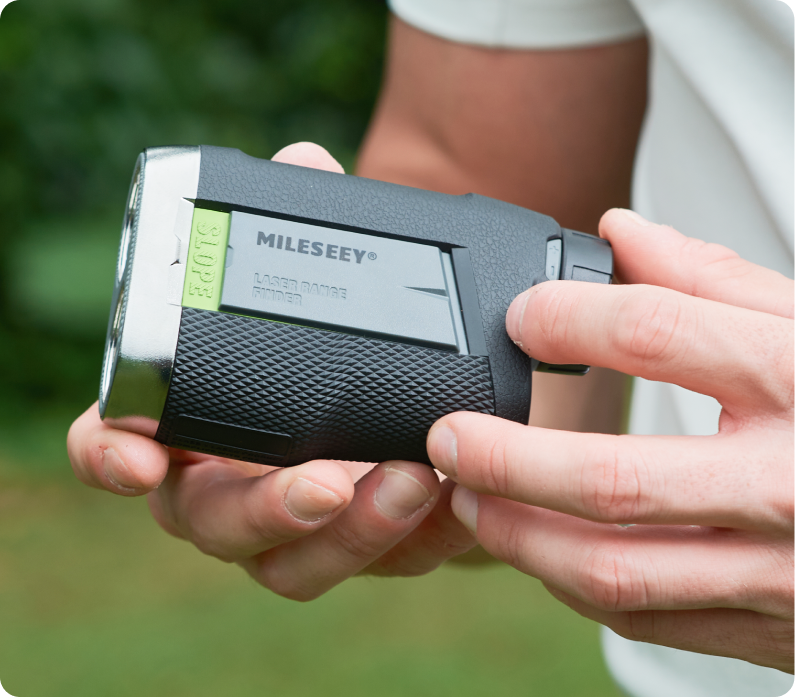
Calibration and alignment are key to clear images on your golf rangefinder. Small errors can cause blurry views and reduce accuracy. Fixing these issues can improve your game and make your device more reliable.
Checking Internal Components
Start by opening your rangefinder carefully. Look for dust, dirt, or loose parts inside. Clean any debris with a soft brush or air blower. Check for cracks or damage on lenses and mirrors. Tighten any loose screws gently. These simple steps keep internal parts aligned and clear.
Aligning The Lens Properly
Proper lens alignment improves focus and sharpness. Adjust the lens by turning the focus ring slowly. Test the image after each turn. Align the lens to the center of the viewfinder. Use a flat surface and a distant target for testing. Proper alignment reduces blur and improves accuracy.
Professional Calibration Services
Sometimes, home fixes are not enough. Professionals use special tools to calibrate your device. They adjust internal optics for perfect focus. Professional service ensures your rangefinder works like new. Consider this option if problems continue despite your efforts.
Preventive Care For Clear Lenses
Keeping your golf rangefinder lens clear helps you get accurate distance readings. Dirt, dust, and smudges can blur the lens and affect your game. Taking simple steps to care for your lens can keep it sharp and clean for longer.
Preventive care means regular attention to your lens. This helps avoid buildup and damage that cause blurriness. A clean lens improves your focus and confidence on the course.
Regular Cleaning Schedule
Clean your lens often to remove dust and fingerprints. Use a soft microfiber cloth to avoid scratches. Avoid paper towels or rough fabrics. For tough spots, use lens cleaner made for optics. Never use household cleaners or alcohol. Wipe gently in a circular motion.
Safe Handling Practices
Hold the rangefinder by its body, not the lens. Avoid touching the glass with fingers. Oils from skin cause smudges and spots. Always use both hands to keep it steady. Be careful not to drop or bump it. Protect your device from rain and extreme heat.
Storage Recommendations
Store your rangefinder in a soft pouch or case. Keep it in a dry place away from dust. Avoid leaving it in direct sunlight or in a hot car. Use silica gel packs to reduce moisture. Make sure the lens covers are on during storage. This prevents scratches and dirt buildup.
Frequently Asked Questions
How Can I Clean A Blurry Golf Rangefinder Lens?
Use a microfiber cloth and lens cleaner for gentle cleaning. Avoid abrasive materials to prevent scratches. Wipe in a circular motion to remove dirt, smudges, or fingerprints effectively.
What Causes A Golf Rangefinder Lens To Become Blurry?
Blurriness can result from dirt, moisture, or scratches on the lens. Fog or condensation inside the device may also affect clarity. Proper care and storage reduce these issues.
Can Moisture Inside The Lens Cause Blurry Images?
Yes, moisture or condensation inside the lens causes fogging and blurriness. Use silica gel packs or keep the device in a dry place to prevent moisture buildup.
Is It Safe To Disassemble A Golf Rangefinder To Fix The Lens?
Disassembling is not recommended unless you are experienced. It may void warranties and damage internal components. Seek professional repair services for lens issues.
Conclusion
Fixing a blurry golf rangefinder lens takes patience and care. Clean the lens gently with a soft cloth. Avoid harsh chemicals that can damage the glass. Check for moisture inside and let it dry fully. Adjust the focus settings to get a clear view.
Regular maintenance keeps your device sharp and reliable. Clear vision helps you measure distances better on the course. A sharp lens makes your game more enjoyable and precise. Keep your rangefinder ready for every round. Simple steps can bring back perfect clarity quickly.


