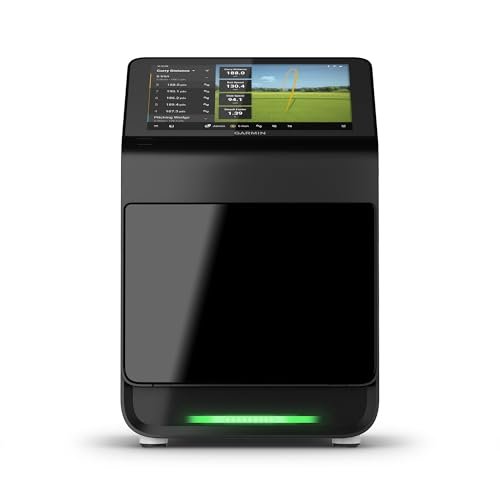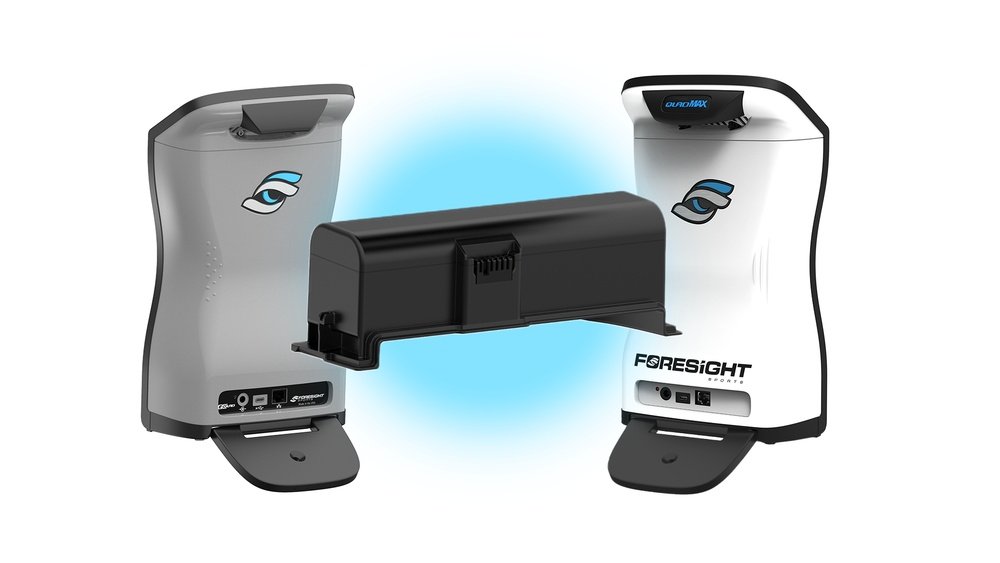
Are you tired of your golf launch monitor dying right when you need it most? Knowing how long your launch monitor batteries last can save you from unexpected interruptions during practice or a crucial game.
You rely on your device to track every swing and improve your performance, so understanding battery life helps you plan better and avoid frustration. You’ll discover exactly what affects your launch monitor’s battery life and how to make them last longer.
Keep reading to ensure your game stays on point without any power surprises.
Battery Types In Launch Monitors
Golf launch monitors need batteries to work. The type of battery affects how long the device runs. Different launch monitors use different battery types. Knowing about these helps you choose and maintain your device better.
Rechargeable Vs Disposable Batteries
Rechargeable batteries can be used many times. You charge them with a power source. They cost more at first. But save money over time. Disposable batteries are single-use. You throw them away after they run out. They are cheaper but need frequent replacement. Rechargeable batteries suit regular users. Disposable ones fit occasional use.
Common Battery Models Used
Many launch monitors use lithium-ion batteries. These are rechargeable and hold charge well. AA and AAA alkaline batteries are common disposables. Some models use lithium polymer batteries for light weight. CR123A batteries appear in compact monitors. Check your device manual for the exact type. Using the right battery keeps your monitor reliable.
Average Battery Life Expectancy
The average battery life of golf launch monitors varies depending on usage and device type. Most monitors use rechargeable lithium-ion batteries. These batteries can last several hours on a single charge. Knowing the typical battery life helps users plan their practice sessions better. It also reduces interruptions during play or training. Battery life expectancy depends on several key factors that affect performance.
Typical Usage Duration
Most golf launch monitors provide 6 to 10 hours of use on one charge. This range fits regular practice rounds or indoor sessions. Some models offer shorter battery life, around 4 hours. Others can extend beyond 12 hours with power-saving features. The actual duration depends on how often the device is used. Continuous use drains the battery faster than intermittent use. Charging habits also impact the total battery life over time.
Factors Influencing Battery Life
Battery life changes with screen brightness and sensor activity. Higher brightness and constant sensor use consume more power. Temperature affects battery performance too. Cold weather can reduce the effective battery time. Frequent charging cycles can degrade battery capacity slowly. Using original chargers helps maintain battery health. Firmware updates may improve battery efficiency in some models. Careful handling and storage extend overall battery lifespan.
Maximizing Battery Performance
Maximizing battery performance is key to getting the most from your golf launch monitor. Proper care helps the battery last longer and work better. Small habits can make a big difference in battery life and device reliability.
Understanding how to charge and store your battery will save you time and money. It also ensures your launch monitor is ready whenever you need it on the course or at practice.
Charging Best Practices
Use the charger that comes with your launch monitor. Avoid cheap or generic chargers. They may damage the battery or reduce its life.
Charge the battery before it runs completely empty. Batteries last longer when charged regularly. Avoid overcharging by unplugging once fully charged. This prevents heat damage.
Charge in a cool, dry place. Heat can reduce battery capacity. Try to keep the device near room temperature during charging.
Storage Tips For Longevity
Store your launch monitor in a cool, dry spot. Extreme heat or cold can harm the battery. Avoid places like car dashboards or damp areas.
If you won’t use the device for a while, charge the battery to about 50%. Batteries stored fully charged or empty lose capacity faster.
Check the battery charge every few months during storage. Recharge it to 50% if needed. This keeps the battery healthy for longer.
Signs Of Battery Wear
Batteries in golf launch monitors lose power over time. Recognizing signs of battery wear helps keep your device reliable. Early detection prevents interruptions during practice or play.
Performance Drop Indicators
Your launch monitor may show slower startup times. Data accuracy might decrease, affecting shot analysis. The device could shut off unexpectedly during use. Screen brightness often dims when batteries weaken. These signs hint at a battery losing its charge.
When To Replace Batteries
Replace batteries if performance drops noticeably. Frequent device shutdowns also signal replacement time. If your monitor runs less than its usual hours, check the batteries. Always use recommended battery types for best results. Timely replacement keeps your monitor working well and accurate.
Comparing Popular Launch Monitor Brands
Choosing the right golf launch monitor often means checking battery life. Different brands offer different battery performance. This affects how long you can play without charging. Battery life impacts your practice and game experience.
Battery Life Across Models
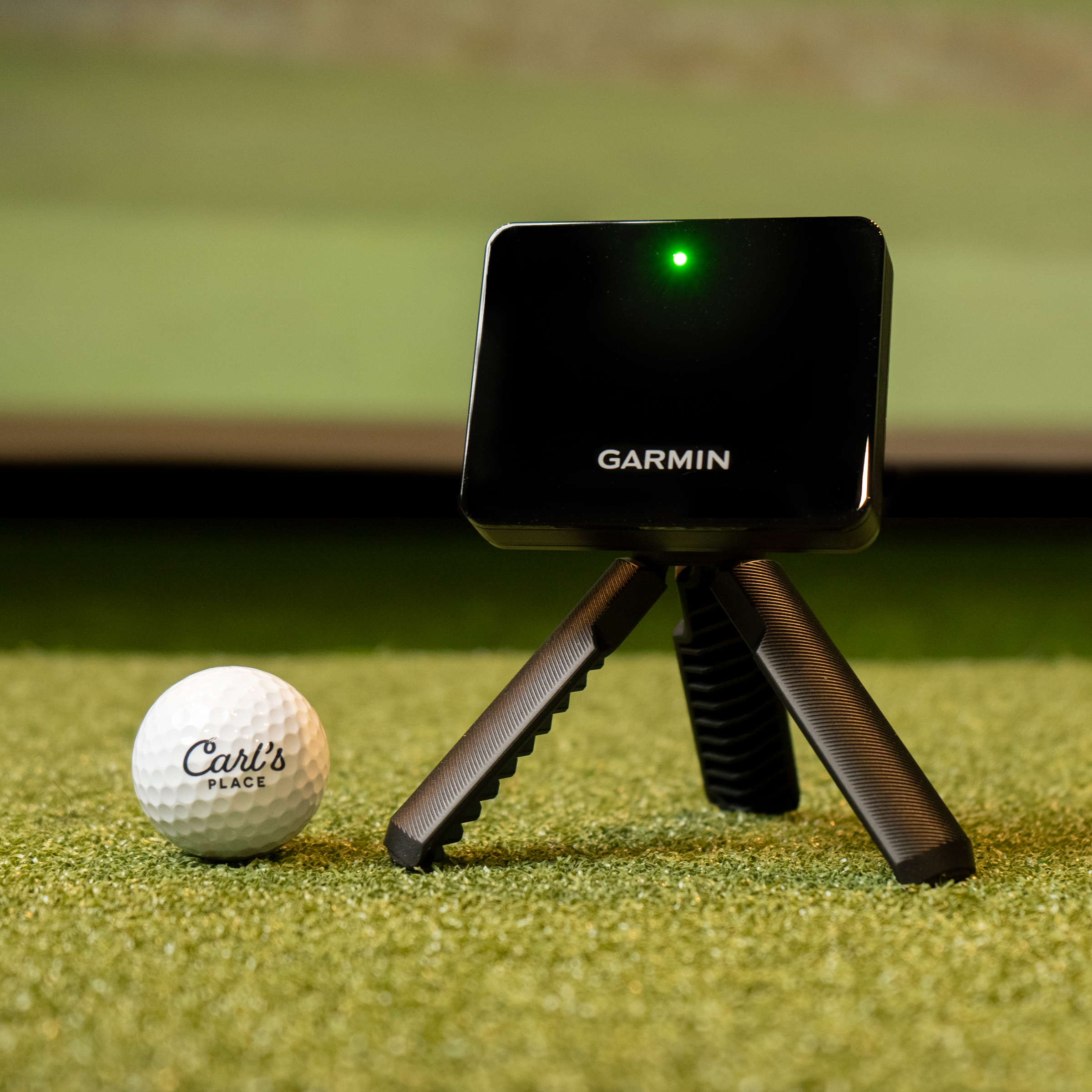
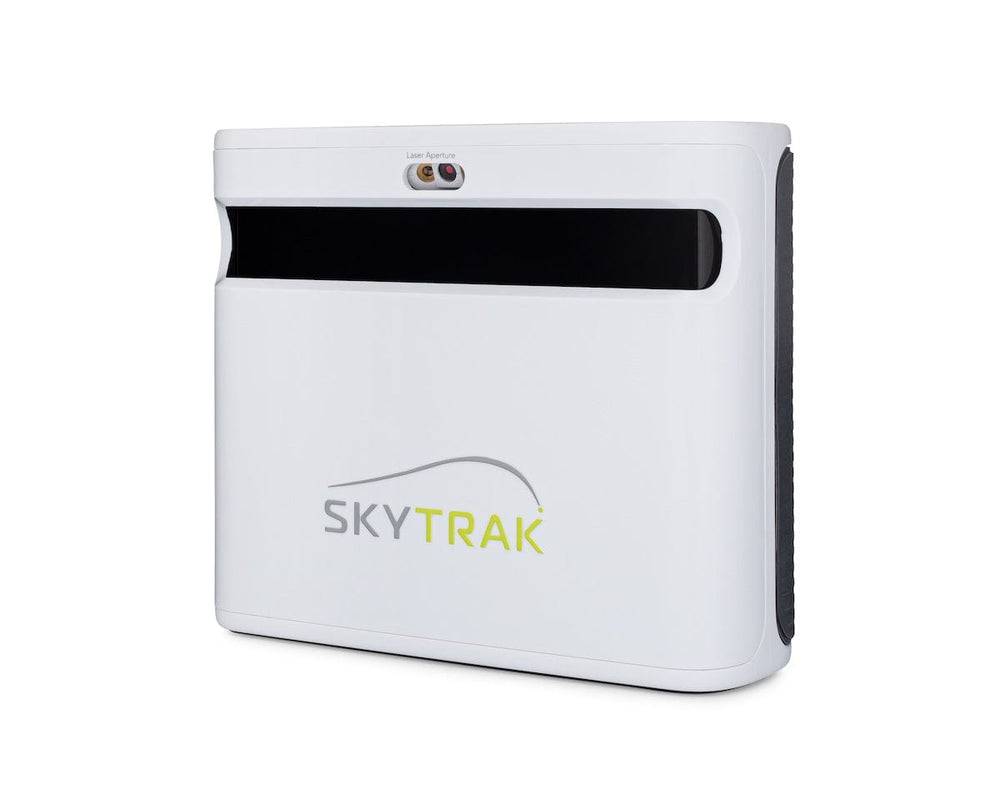
Some launch monitors use rechargeable batteries. Others use replaceable ones. Brands like FlightScope, SkyTrak, and Garmin have varied battery lives. FlightScope models often last 8 to 12 hours on a full charge. SkyTrak usually offers about 6 to 8 hours. Garmin devices tend to last 10 to 15 hours, depending on the model. Battery life depends on usage and settings. Bright screens or continuous data use can drain batteries faster.
User Feedback On Battery Reliability
Many users report FlightScope batteries need frequent charging. SkyTrak users mention battery life is enough for short sessions. Garmin users praise their devices for lasting longer during practice. Some users say batteries degrade over time. Charging habits affect battery health. Overall, users prefer monitors that last through a full round of golf. Reliable battery life reduces interruptions and frustration.

Battery Maintenance Tools
Battery maintenance tools help keep your golf launch monitor powered longer. They make charging and checking battery health easier. Using the right tools can extend battery life and save money. These tools are small, simple, and useful for all golfers.
Portable Chargers
Portable chargers provide power anytime, anywhere. They are compact and easy to carry in your golf bag. With a portable charger, you can recharge your launch monitor on the course. This prevents unexpected battery drain during your game. Many chargers work with USB cables, making them very handy.
Choosing a charger with fast charging helps reduce wait time. Some models also offer multiple ports to charge more devices. Portable chargers ensure your launch monitor stays ready for use.
Battery Testers
Battery testers check the health and charge level of your batteries. They show if a battery is strong or weak. This helps decide if a battery needs replacement or more charging. Using a tester prevents damage from overuse or low power.
Testers are simple to use and give quick results. They often fit all common battery sizes. Regular testing keeps your golf launch monitor working at its best.
Environmental Impact Of Batteries
Batteries power golf launch monitors for hours of play. Yet, their environmental impact is important to consider. Batteries contain chemicals that can harm soil and water. Improper disposal adds to pollution and wastes resources. Understanding these effects helps golfers make better choices.
Recycling Options
Many places accept used batteries for recycling. Recycling recovers valuable metals like lithium and nickel. It prevents harmful chemicals from entering the environment. Check local stores or recycling centers for drop-off points. Some golf shops offer battery recycling services too. Proper recycling reduces waste and protects nature.
Eco-friendly Battery Choices
Eco-friendly batteries use safer materials. Rechargeable batteries cut down on waste by lasting longer. Look for batteries labeled as “low toxicity” or “recyclable.” Using these options lowers environmental harm. They also save money over time by needing fewer replacements. Choose batteries that balance performance and green benefits.
Frequently Asked Questions
How Long Do Golf Launch Monitor Batteries Typically Last?
Golf launch monitor batteries usually last between 8 to 12 hours on a full charge. Usage frequency and device type affect battery life. Proper charging habits can extend battery performance, ensuring reliable monitoring during play or practice sessions.
Can Rechargeable Batteries Improve Golf Launch Monitor Lifespan?
Yes, rechargeable batteries can enhance lifespan and save costs. They provide consistent power and reduce waste. Using high-quality rechargeable batteries helps maintain device accuracy and ensures longer usage between charges.
What Factors Affect Golf Launch Monitor Battery Life?
Battery life depends on usage intensity, device settings, and battery quality. Frequent use and high-power settings drain batteries faster. Environmental conditions like temperature also influence battery efficiency and longevity.
How To Maximize Golf Launch Monitor Battery Performance?
To maximize battery life, fully charge before use and avoid overcharging. Store batteries in cool, dry places. Turn off the device when not in use to conserve power and prolong battery health.
Conclusion
Golf launch monitor batteries usually last several hours to days. Battery life depends on the model and how often you use it. Carry spare batteries or a charger for longer sessions. Regularly check battery levels to avoid sudden power loss.
Taking care of batteries helps keep your device ready. Knowing battery life helps plan your practice time better. Choose a monitor with a battery life that fits your needs. Stay prepared and enjoy your golf practice without interruptions.