A golf simulator gives precise data at home; a driving range builds feel in real turf.
Choosing between a golf simulator and a driving range depends on your goals, budget, and time. I coach and practice in both. I know how launch data builds skill fast and how fresh air and turf teach touch. In this Golf Simulator vs Driving Range guide, we will compare costs, accuracy, speed of learning, and how each fits real life. You will see when to pick one, when to mix both, and how to get the best results for your game.
What You Actually Get: Simulator vs Range Defined
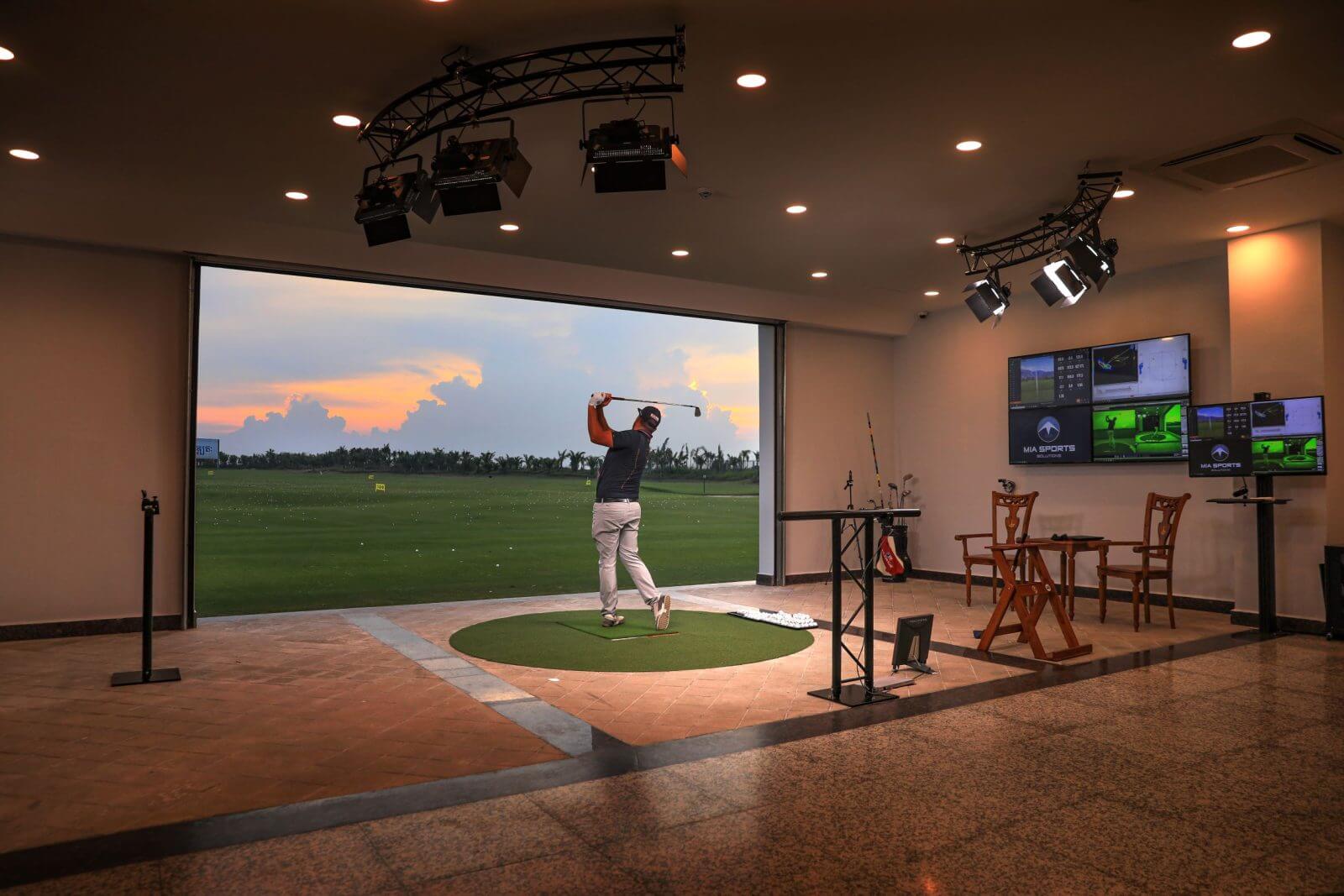
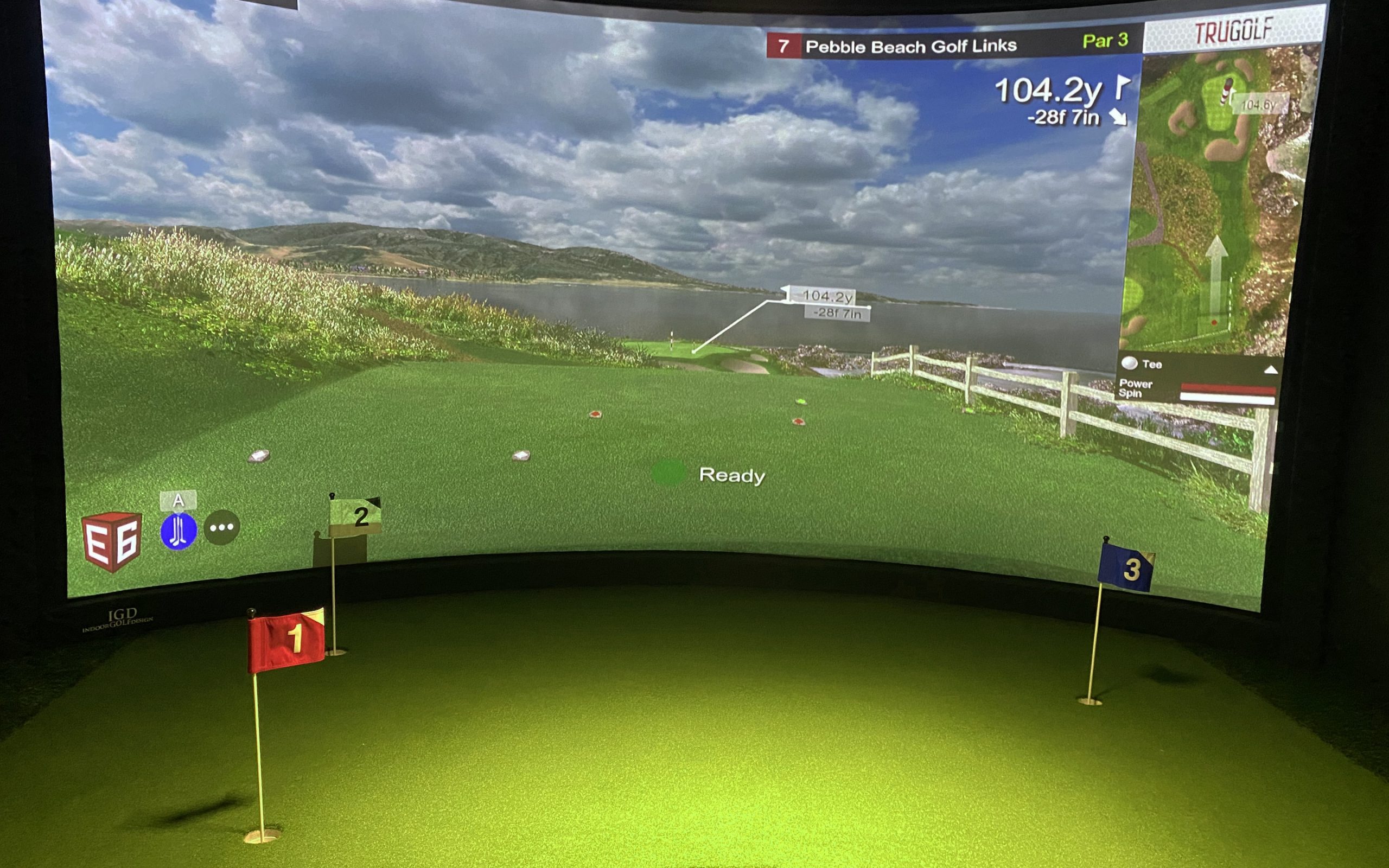
A golf simulator pairs a launch monitor with software. It tracks club and ball data. It shows shots on a screen and lets you play full courses indoors.
A driving range is an outdoor or covered strip of turf or mats. You buy a bucket and hit balls toward flags. You work on rhythm, contact, and aim with real flight and wind.
Both help you improve. But they do it in very different ways. That is why Golf Simulator vs Driving Range is a real choice with real trade-offs.
Key Differences That Matter
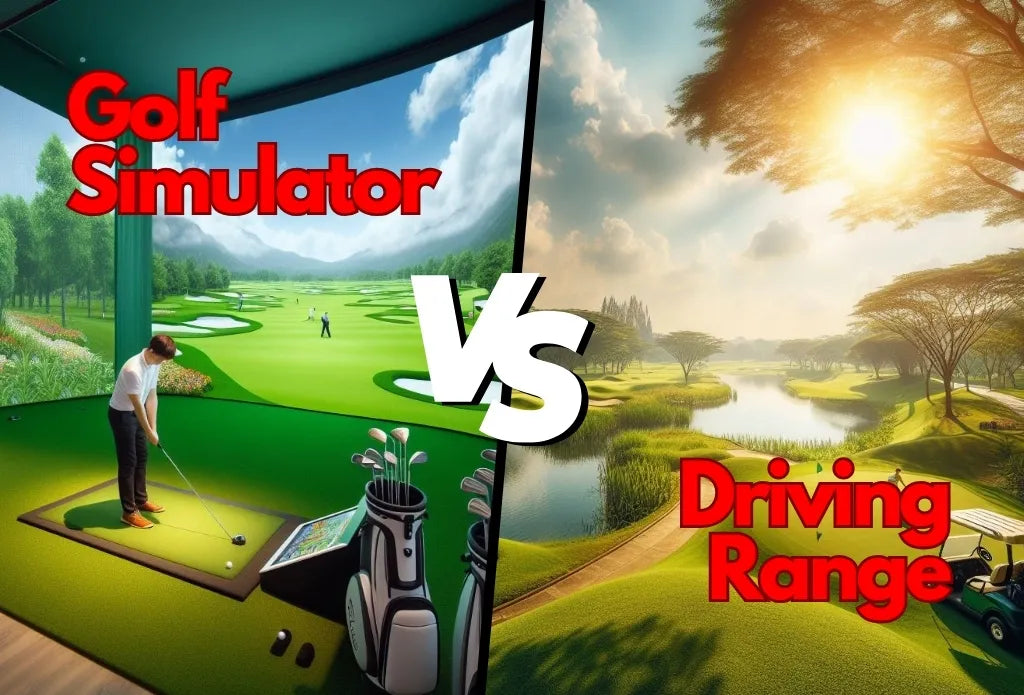
The Golf Simulator vs Driving Range decision comes down to a few core points. Here is how they stack.
- Feedback and data: Simulators give numbers on every swing. Ranges give ball flight and feel.
- Time and access: Simulators are 24/7 at home or in studios. Ranges have hours and weather limits.
- Cost: Simulators have higher upfront costs. Ranges spread costs by the bucket or hour.
- Realism: Ranges give turf, wind, and lies. Simulators give perfect lies and weather control.
- Fun and play: Simulators offer course play, skills games, and leagues. Ranges offer calm reps and social buckets.
In short, the Golf Simulator vs Driving Range choice is data and control versus feel and variety.
Accuracy, Feedback, and Data: How Each Helps You Improve
Good simulators track ball speed, spin, launch, carry, club path, and face. The core data is very close to real flight when set up right. Radar is strong for drivers and long shots. Camera-based units shine on wedges. Industry tests show carry and spin can be within a few percent when calibrated.
Ranges give the full flight in real air. You see curve, peak, and land. But cheap range balls can spin less and fly shorter. Wind can hide path and face issues. You must learn to read your ball and your feel.
Here is what works best for most golfers:
- Use a simulator to fix face control, path, low point, and gapping.
- Use a range to learn trajectory, lies, and distance control in wind.
- Blend both to confirm gains under pressure.
Golf Simulator vs Driving Range is not either-or. It is tool A plus tool B for faster growth.

Cost, Space, and Time: What Fits Your Life
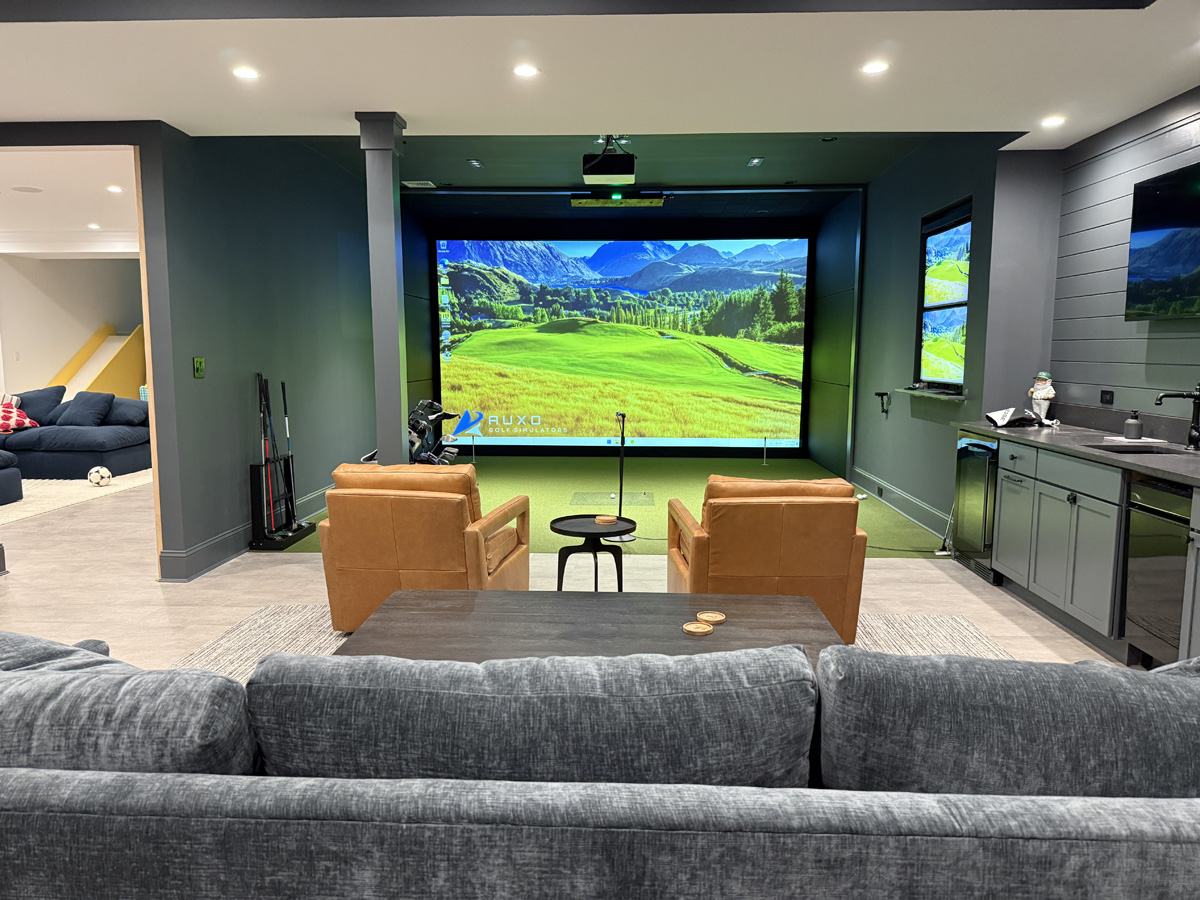
Simulators range from a budget net and launch monitor to full rooms. Think a few hundred to several thousand dollars. You also need space for a safe swing and screen. Lessons, software, and balls add small ongoing costs.
Ranges are pay-as-you-go. Buckets and bays cost less per visit. Premium ranges with tech bays cost more per hour. Over a year, heavy users can spend as much as a basic at-home build.
Ask yourself:
- Do you have a garage or room with 9–10 feet of ceiling?
- Will you practice 3–5 days a week?
- Do you prefer short frequent sessions or long weekend blocks?
If yes to space and frequency, a simulator fits. If you like long sessions and fresh air, the range wins. Again, Golf Simulator vs Driving Range leans on your life, not just your swing.
Skill Building Plans: When to Choose Each
If you are a beginner, you need solid contact and fun. A simulator gives games and quick wins. A range teaches you stance, aim, and strike on turf.
If you are mid-handicap, you need face and path control. A simulator helps you map your miss and dial carry. A range helps you learn flight windows with wind.
If you are low-handicap, you need precision and pressure. Use a simulator to tune wedge spin and driver launch. Use a range to work on trajectory, lies, and pre-shot routine.
Here is a simple plan:
- Weekdays: 20 minutes in the simulator. Work on one number, like face to path.
- Weekend: One range session. Hit windows, shapes, and random targets.
- Monthly: Play nine holes on a simulator setup. Then play nine at a course. Compare dispersion.
Golf Simulator vs Driving Range can be a rhythm, not a fight.

Real-World Examples From My Practice
I once had a student who fought a slice for years. In the simulator, we saw a 7-degree out-to-in path and open face. We set a drill and watched the numbers move. In two weeks, he had a soft fade, not a slice.
Another player hit it great indoors but short outside. On the range, we saw he launched wedges too high with low spin balls. We fixed ball choice and landing spot. Scores dropped fast.
My own driver fit was a breakthrough. Indoor data showed low spin and low launch. We tweaked loft and tee height. At the range, the ball now held its line in a crosswind. That is Golf Simulator vs Driving Range teamwork in action.

What The Numbers Mean (And How To Use Them)
Simulators show spin rate, launch angle, carry, club speed, and smash. Good targets help most golfers.
- Driver: Launch 12–16 degrees, spin 2,000–2,600, smash near 1.45–1.50.
- Irons: Launch by loft, spin enough to stop, consistent carry gaps.
- Wedges: Spin and launch that match your turf and ball.
Ranges help you see if those numbers hold in the real world. You can learn to hit three windows: low, mid, high. You can learn start lines and curves. Golf Simulator vs Driving Range is data plus eyes.
Pro tip:
- Calibrate once a month. Check your simulator carry on the range with known targets.
- Use the same ball type for serious tests.

Common Mistakes And How To Avoid Them
Do not chase perfect numbers without a purpose. Pick one or two metrics that tie to your miss. Track trend, not single shots.
Do not forget lie and turf. Mats can hide fat shots, and range balls can skew spin. Mix mats, turf, and on-course checks.
Do not ignore setup. Poor lighting or misaligned radar can ruin data. At the range, bad aim can fake a slice or draw. In Golf Simulator vs Driving Range, setup is the silent skill.

Buying Or Booking Guide: Simulators, Ranges, And Hybrids
For simulators, start with your goal. If you want swing work, a launch monitor with core data is enough. If you want play, get course software and a solid screen.
Look for:
- Reliable ball and club data
- Easy setup and alignment
- Support and updates
- Space and noise limits
For ranges, pick places with clear targets and good balls. Tech bays with shot tracing add value. Consider coaching on site.
A hybrid path works great. Join a simulator studio for winter. Hit a range all summer. That way Golf Simulator vs Driving Range becomes Golf Simulator and Driving Range.
Practice Blueprints You Can Use Today
Try these simple plans. They are fast and proven.
-
Simulator power hour
- 10 minutes: Warm up. Note carry and curve.
- 20 minutes: One drill for face or path.
- 20 minutes: Random practice. Change clubs each shot.
- 10 minutes: Nine-hole challenge. Keep score.
-
Range rhythm set
- 10 balls: Low, mid, high with a 7-iron.
- 10 balls: Start lines right, center, left.
- 10 balls: Wedge ladder. 40, 60, 80 yards.
- 10 balls: Driver with full routine.
Log your results. Repeat next week. Golf Simulator vs Driving Range becomes a system, not guesswork.
Weather, Noise, And Lifestyle Factors
Weather is a big factor for many golfers. Simulators beat snow, heat, and rain. Ranges build wind skill and sun stamina.
Noise and family life also matter. A quiet garage bay can keep peace at home. A range can be a social hour you look forward to.
Be honest about your week. Then let Golf Simulator vs Driving Range fit your real life.
Who Wins For Different Goals?
Pick a winner for your goal.
- Fast feedback and swing changes: Simulator wins.
- Turf feel, lies, and wind control: Range wins.
- Year-round access and short sessions: Simulator wins.
- Pre-tournament prep and nerves: Range wins.
- Fun with friends and leagues: Simulator often wins.
The best path uses both. You will learn faster and keep skills when seasons change. Golf Simulator vs Driving Range is a balance of head and heart.
A Simple Decision Flow You Can Follow
Try this quick flow to choose.
- Do you have space and budget now? If yes, get a basic simulator.
- Do you need real turf and wind work? Schedule weekly range sessions.
- Are you short on time? Do 15-minute simulator blocks, 3 days a week.
- Are you prepping for a big round? Hit the range twice that week.
Use this flow for the season. Adjust as your needs change. Golf Simulator vs Driving Range will shift with you.
Frequently Asked Questions of Golf Simulator vs Driving Range
Is a golf simulator as accurate as the range?
A good simulator is very accurate for carry and spin when set up well. The range shows real flight and wind, which adds context you still need.
Will a simulator fix my slice faster than the range?
Yes, for many golfers. You see path and face data right away and can test drills without guessing.
Are range balls ruining my distances?
They can change spin and fly shorter. Note the gap and test with your game ball on the course or in a simulator.
How much space do I need for a simulator?
Most setups need about 9–10 feet of height, and 10–15 feet of depth. Measure your swing arc and allow safe buffer.
What is the best weekly mix?
Try three short simulator sessions and one range session. It blends data work with real-flight skill.
Can beginners start with a simulator?
Yes. Use simple games and focus on contact and start line. Add range sessions to learn turf and ball flight.
Conclusion
Both tools can lift your game. Use a simulator for clear data, fast feedback, and year-round reps. Use a range for turf skill, wind control, and tournament feel. The smartest move is a blend that fits your life.
Pick one small step today. Book a studio hour or plan a target-based range session. Share your goals or questions in the comments, and subscribe for more practice plans and gear guides.