Have you ever wondered if your smartphone can turn into a powerful golf launch monitor? Imagine getting instant feedback on your swing, ball speed, and launch angle right from your phone.
It sounds convenient, but does it really work? If you’re serious about improving your game, knowing how launch monitors connect with your smartphone could change the way you practice. Keep reading to discover how these devices can fit into your routine and whether they live up to the hype.

How Golf Launch Monitors Connect To Smartphones
Golf launch monitors use technology to connect with smartphones. This connection lets golfers see real-time data on their swings. It helps improve skills by showing key stats like ball speed and launch angle. The way these devices link to phones varies based on the monitor and phone type. Understanding these methods makes it easier to pick the right setup.
Bluetooth And Wi-fi Compatibility
Most golf launch monitors connect via Bluetooth or Wi-Fi. Bluetooth is common because it uses less battery and pairs quickly. Wi-Fi offers faster data transfer and a stronger signal at longer distances. Some monitors support both, giving more options to users. The connection type affects how stable and fast the data updates on your phone.
Supported Operating Systems
Golf launch monitors usually work with popular phone systems like iOS and Android. Each monitor lists which systems it supports. Some apps only run on one operating system. Check compatibility before buying to avoid issues. Updates to phones and apps can change compatibility over time.
App Integration
Smartphone apps are essential for using launch monitors. They display data in easy-to-read formats. Some apps offer tutorials and swing analysis. Many monitors come with their own apps, while some work with third-party apps. The app’s design affects how users interact with the data and improve their game.
Top Golf Launch Monitors For Smartphones
Golf launch monitors designed for smartphones provide great convenience. They help track your swing and ball flight without bulky equipment. These devices connect easily to your phone and offer useful data. Different models suit various budgets and skill levels. Here is a look at top options available today.
Portable And Affordable Options
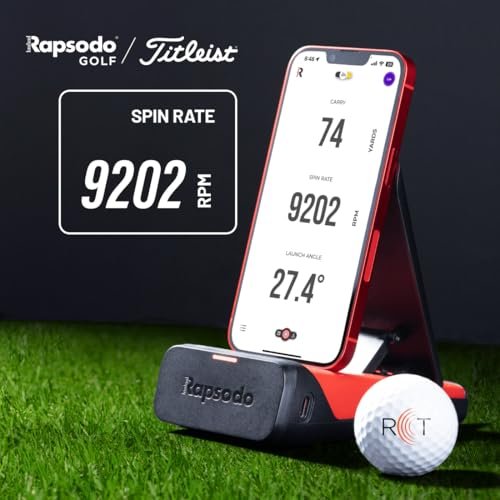
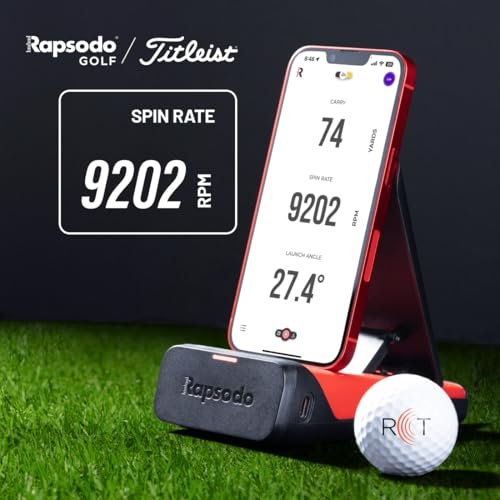
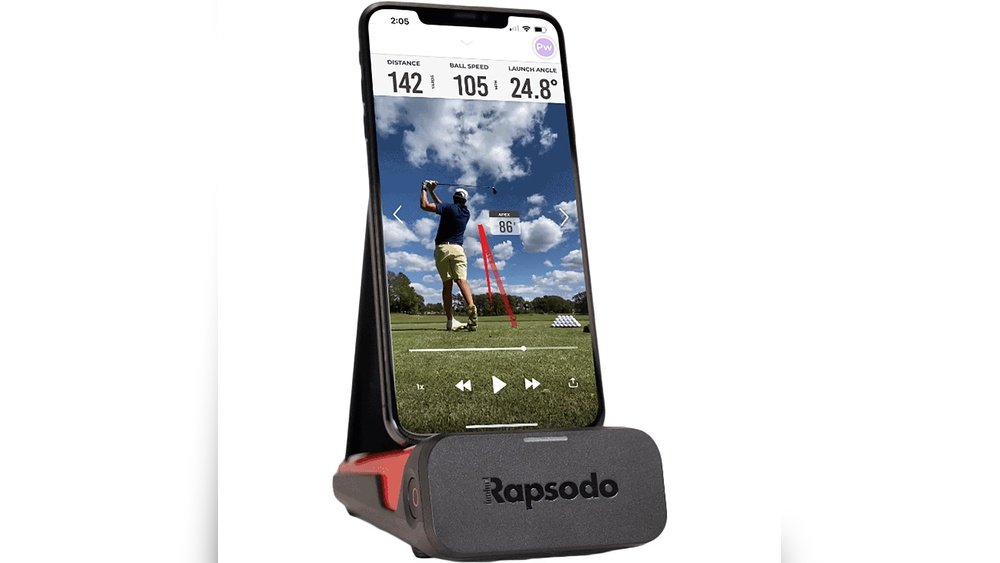
Many launch monitors are small and budget-friendly. They fit in your golf bag and pair with your phone via Bluetooth. These devices measure ball speed, launch angle, and spin. Some popular models include the Voice Caddie SC200 and Rapsodo Mobile Launch Monitor. They work well for casual players and beginners. These monitors offer good value without complex setup.
High-end Models With Advanced Features
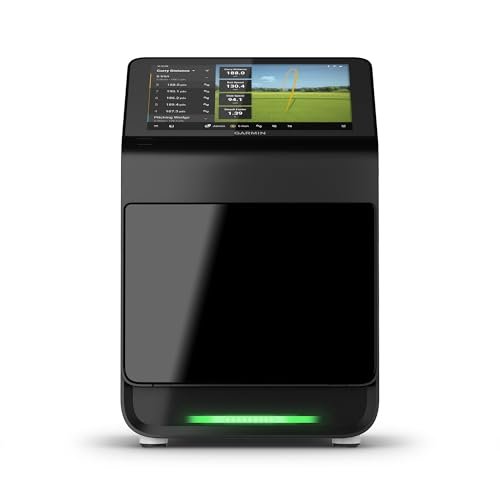
More expensive monitors provide detailed data and accuracy. They track club path, face angle, and shot shape. Devices like the FlightScope Mevo+ and Garmin Approach R10 deliver pro-level insights. These monitors suit serious golfers and coaches. They often include video analysis and wind speed tracking. The setup is simple but requires a bit more space and budget.
User Reviews And Ratings
Most users praise ease of use and portability. Affordable models get high marks for value and basic metrics. Advanced monitors receive strong reviews for accuracy and depth of data. Some users mention occasional Bluetooth connectivity issues. Battery life and app interface also affect user satisfaction. Checking recent reviews helps find the best fit for your needs.
Accuracy And Reliability With Smartphone Use
Golf launch monitors paired with smartphones offer a new way to track your shots. Accuracy and reliability matter most in these devices. The data must reflect your real swings well. This section explores how precise and dependable these smartphone-connected monitors are.
Factors Affecting Data Precision
Smartphone launch monitors rely on the phone’s camera and sensors. Lighting conditions impact the quality of the captured data. Bright, natural light helps the device see the ball better. Shadows or low light can cause errors in measurements.
The phone’s camera quality also affects accuracy. Higher resolution and faster frame rates improve shot tracking. Phone stability is key. Movement or shaking during swings can distort results.
Software algorithms process the shot data. Some apps use advanced math to improve precision. Others may struggle with complex shots or spin detection. Regular app updates can enhance data accuracy.
Comparison With Traditional Monitors
Traditional golf launch monitors use radar or infrared sensors. They provide highly accurate and consistent data. Smartphone monitors are less expensive but may lack some precision.
Traditional devices measure ball speed, launch angle, and spin with great detail. Smartphone monitors often focus on basic metrics like ball speed and distance. The difference shows more on complex shots.
Smartphone launch monitors offer portability and ease of use. Traditional systems require setup and are less mobile. For casual players, smartphone accuracy is often good enough.
Common Issues And Troubleshooting
Smartphone monitors sometimes give inconsistent readings. This happens if lighting changes or the phone moves during swings. Check the phone’s position and keep it steady.
App bugs may cause crashes or wrong data. Keep the app updated to fix bugs. Restart the phone if the monitor acts strangely.
Calibration is important. Some apps allow manual calibration for better accuracy. Follow the instructions carefully to improve results.
Setting Up Your Launch Monitor With A Smartphone
Setting up your golf launch monitor with a smartphone is simple and fast. This connection lets you track your swing and ball data easily. Most launch monitors support Bluetooth or Wi-Fi links to smartphones. You just need to follow a few steps to get started.
Step-by-step Connection Guide
Turn on your launch monitor and smartphone’s Bluetooth or Wi-Fi. Open the app that matches your launch monitor model. Look for your device name in the app’s connection list. Tap the device name to pair it with your phone. Wait for a confirmation message. Your launch monitor is ready to use.
Calibrating The Device
Place the launch monitor on a flat surface near your hitting area. Follow the app instructions to calibrate the device. Calibration may ask you to hit a few practice shots. This helps the monitor adjust to your environment. Proper calibration improves data accuracy during your session.
Optimizing Performance
Keep your smartphone fully charged to avoid interruptions. Use the latest version of the app for best results. Make sure the launch monitor lens is clean and free of dust. Position the device correctly according to the user guide. A stable connection and good setup enhance data quality.
Benefits Of Using Smartphones For Golf Data
Using smartphones for golf data offers many clear benefits. These devices bring convenience and power to your golf practice. Smartphones are easy to carry and always ready to use. They connect seamlessly with launch monitors to provide valuable information. This combination helps golfers improve their skills efficiently. The following sections explain some key advantages.
Real-time Feedback And Analysis
Smartphones show golf data instantly after each shot. You see ball speed, launch angle, and distance right away. This quick feedback helps you adjust your swing faster. Apps also analyze your shots and give simple tips. This makes practice more focused and productive. Real-time data keeps you engaged and motivated.
Data Storage And Sharing
Smartphones save all your golf session data securely. You can review past shots anytime to track progress. Data storage helps spot patterns and weaknesses over time. Sharing data with coaches or friends is easy too. You can send detailed reports by email or social media. This promotes better learning and friendly competition.
Cost And Portability Advantages
Using smartphones reduces the need for expensive golf gadgets. Most people already own a compatible smartphone. Launch monitor apps often cost less than standalone devices. Smartphones are compact and fit in your pocket easily. You carry one device for many uses, including golf. Portability lets you practice anywhere, anytime without hassle.
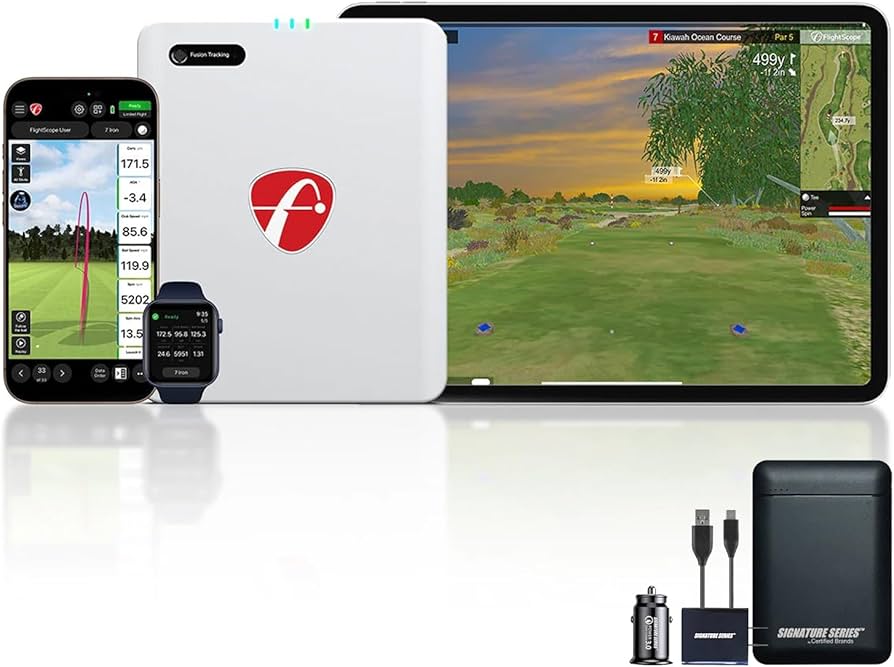
Limitations And Challenges To Consider
Golf launch monitors paired with smartphones offer convenience and portability. Yet, they come with some limits and challenges. These factors can affect your overall experience and the data you receive. Knowing these issues helps set the right expectations.
Battery Life And Device Compatibility
Launch monitors need power to work, and battery life can vary. Some devices drain your smartphone battery quickly. Others require frequent recharging, which can interrupt practice sessions.
Not all smartphones work well with every launch monitor. Some monitors only support specific operating systems or phone models. Check device compatibility before buying to avoid frustration.
Environmental Factors
Outdoor conditions can impact monitor performance. Bright sunlight may interfere with sensors or screen visibility. Wind and rain can also affect data accuracy.
Indoor use limits space and may change ball flight, affecting readings. The monitor’s placement and background can cause false readings. Be mindful of where and how you use the device.
App Limitations And Updates
Smartphone apps control most launch monitors, but not all apps are equal. Some offer limited features or simplified data. Others may have bugs or slow response times.
App updates can improve performance but may also cause new issues. Some updates might require newer phone models. Regularly check for updates and read reviews before installing.
Future Trends In Mobile Golf Launch Monitoring
Mobile golf launch monitors are becoming smarter and more useful every year. They help golfers track swings and improve performance. The future holds new trends that will make these devices even better. Expect more features that work smoothly with smartphones and other tools.
Technology is moving fast in this area. New developments will make golf monitoring easier and more accurate. Golfers will get real-time data and tips on their phones. These trends will change how players train and enjoy golf.
Integration With Wearables
Wearables like smartwatches and fitness bands will connect with golf monitors. This link will give players instant feedback on their swings. Data will flow directly to the wrist or phone. Wearables will track heart rate and movement during swings.
This integration helps players see how their body affects their game. It will also suggest rest or exercises to improve performance. The combination of wearables and launch monitors will boost training quality.
Ai And Machine Learning Enhancements
Artificial intelligence will analyze golf swings more deeply. It will spot small mistakes that human eyes might miss. AI will offer personalized tips to fix these errors. Machine learning will improve advice based on past swings.
Smartphone apps will use AI to give instant coaching. This technology will make practice more focused and productive. Players will enjoy a more tailored and helpful experience.
Improved Connectivity And Sensors
New sensors will capture data with higher accuracy. They will measure ball speed, launch angle, and spin more precisely. Faster and stronger connections will send data instantly to smartphones.
Bluetooth and Wi-Fi improvements will reduce delays and errors. This will make the system more reliable during practice. Golfers will trust their devices more for real-time feedback.

Frequently Asked Questions
Do Golf Launch Monitors Connect To Smartphones Easily?
Yes, most modern golf launch monitors connect to smartphones via Bluetooth or Wi-Fi. This allows real-time data transfer and easy app integration for instant feedback.
Can Smartphones Display Accurate Golf Swing Data?
Smartphones paired with quality launch monitors show precise swing metrics. They provide detailed insights like ball speed, launch angle, and spin rate for improvement.
Are Golf Launch Monitor Apps User-friendly?
Most golf launch monitor apps are designed with user-friendly interfaces. They offer easy navigation, clear data visualization, and helpful tips to enhance your practice sessions.
What Smartphones Work Best With Golf Launch Monitors?
IOS and Android smartphones with Bluetooth 4. 0 or higher work best. Ensure your phone meets the app’s system requirements for smooth performance.
Conclusion
Golf launch monitors can work well with many smartphones today. They connect easily through apps and Bluetooth. This lets golfers see their swing data right on the phone screen. Some models may need newer phones or certain apps. Always check compatibility before buying.
Using a launch monitor with a smartphone helps improve your game by giving quick feedback. It makes practice sessions more fun and useful. Small devices plus your phone create a handy golf tool. Simple, smart, and effective for players at all levels.