Are you thinking about improving your golf game at home? You might be wondering, “Can I use a golf launch monitor with a hitting net?”
The answer can open up a whole new way to practice smarter and track your progress without stepping onto the course. Imagine getting accurate feedback on your swing while hitting balls safely into a net in your backyard or garage.
If you want to know how to make this setup work for you and what to watch out for, keep reading. This guide will help you get the most out of your practice time and boost your golf skills faster than you thought possible.

Choosing The Right Launch Monitor
Choosing the right launch monitor for use with a hitting net matters a lot. The right device can help improve your golf practice at home. Not all launch monitors work well with nets. Some fit better in small spaces. Others give more detailed data. Understanding your options is key to making a good choice.
Types Of Launch Monitors
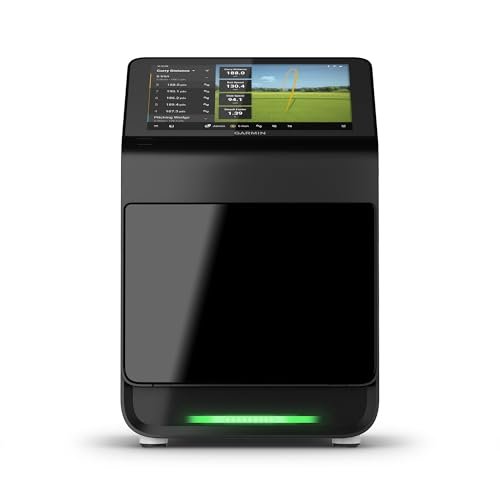
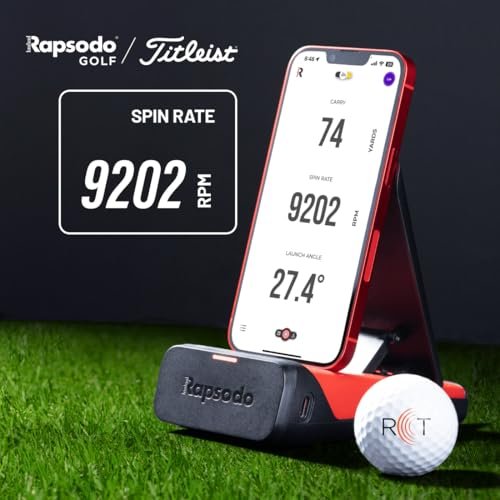
There are mainly two types of launch monitors: radar-based and camera-based. Radar-based monitors use waves to track the ball’s flight. They work well outdoors but may struggle indoors. Camera-based monitors use high-speed cameras to capture ball and club data. These are often better for indoor use with nets. Some models combine both technologies for more data. Choose a type that fits your practice space.
Compatibility With Hitting Nets
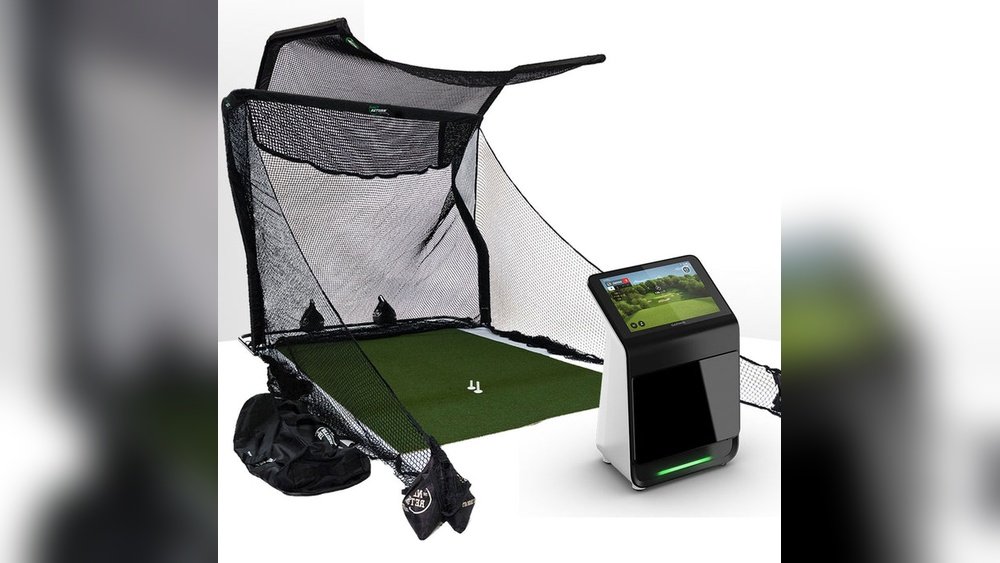
Not all launch monitors work well with all nets. Some devices need a clear view of the ball’s flight. Nets can block or blur this view. Check if the launch monitor can track shots that hit the net. Some monitors use sensors close to the ball, so nets do not interfere. Others need extra space behind the net. Make sure your net and monitor work together for best results.
Accuracy Considerations
Accuracy is vital for useful feedback. Some launch monitors offer more precise data than others. The quality of sensors and software affects accuracy. Small errors can mislead your practice. Nets may cause some data loss or distortion. Choose a launch monitor known for consistent accuracy indoors. Read reviews about accuracy when used with nets. This helps you pick a reliable device.
Selecting The Best Hitting Net
Choosing the right hitting net is key to using a golf launch monitor effectively. The net must catch every shot safely. It should work well with your space and equipment. Quality matters for practice and accuracy. Focus on size, ease of use, and strength when selecting a net.
These factors help protect your gear and improve your practice sessions. A good net also lasts long and stays stable during hits. Let’s break down what to check before buying.
Net Size And Material
Pick a net size that fits your practice area. A larger net catches more shots and reduces misses. The material should be thick and tough. Nylon or polyester nets resist tears and absorb ball impact. Thin nets can break quickly and waste money. Check if the net blocks balls fully to avoid damage.
Portability And Setup
Consider how easy the net is to move and set up. Lightweight nets are best for changing locations. Some nets fold into compact bags for travel. Quick setup saves practice time and frustration. Choose nets with simple frames and clear instructions. This helps focus on training, not assembly.
Durability For Repeated Use
Durability matters for long-term use. Frequent hits can wear nets down fast. Look for nets with strong stitching and reinforced edges. Weather-resistant materials add extra protection outdoors. Durable nets keep their shape and function after many sessions. This saves money and ensures consistent practice quality.
Setting Up Your Launch Monitor And Net
Setting up your golf launch monitor with a hitting net needs care. Proper setup helps you get accurate data and a safe practice area. Small details can affect your results and comfort. Follow these tips for the best setup experience.
Ideal Placement And Distance
Place the launch monitor on a flat, stable surface. Keep it at the right height, usually near the ball’s level. Distance between the ball and monitor matters. Check your device’s instructions for exact measurements. Too close or far can give wrong readings. The hitting net should be behind the ball. Make sure it is taut and wide enough to catch shots. This setup helps the monitor track ball flight clearly.
Lighting And Environment
Good lighting is key for the launch monitor’s sensors. Use natural light or bright, even artificial light. Avoid shadows on the ball or net area. Strong backlight can confuse the sensors. Practice indoors or outdoors in calm weather. Wind or rain may affect your shots and data. Keep the area clean and free of clutter for better focus.
Ensuring Safety
Check that the hitting net is secure and stable. It must catch all balls without moving or tipping. Stand clear of the ball’s path and monitor. Use a protective screen if needed. Keep other people and pets away while practicing. Inspect your gear regularly for wear and tear. Safety reduces accidents and protects your equipment.
Tips For Accurate Data Collection
Collecting accurate data with a golf launch monitor and hitting net improves your practice sessions. Accurate data helps you understand your swing and ball flight better. Follow these tips to get the best results from your equipment.
Calibrating Your Launch Monitor
Start by calibrating your launch monitor according to the manual. Calibration adjusts the device to your specific environment. This step ensures the readings are close to real performance. Check calibration before every practice session for consistent data. Small changes in setup can affect accuracy.
Minimizing Interference
Keep the area around your hitting net clear of objects. Avoid metal or electronic devices near the launch monitor. These items can cause false readings or signal disruption. Use the monitor in a well-lit space without direct sunlight on the sensors. Stable lighting helps the device track the ball better.
Consistent Swing Technique
Use the same swing style for each shot during data collection. Changing swings can confuse the monitor and give mixed results. Focus on smooth, controlled swings instead of power shots. Consistency in your swing helps the device collect reliable data. Practice with the same ball type and tee height every time.
Common Challenges And Solutions
Using a golf launch monitor with a hitting net is common for practice. Some challenges can affect the accuracy and experience. Knowing these issues helps improve your setup and results. Below are key challenges and their solutions to help you get better data and enjoy your practice sessions.
Data Inconsistencies
Data inconsistencies happen when the launch monitor gives different results for similar shots. This can confuse your practice routine. Causes include poor lighting or the ball not being in the right position. Fix this by placing the ball where the monitor expects it. Use consistent lighting and keep the monitor steady. Check the monitor’s settings and calibrate it often.
Ball Tracking Issues
Tracking the ball is critical for good data. The monitor needs a clear view of the ball’s flight. Nets can block or blur this view. Choose a hitting net with large mesh or use a net designed for launch monitors. Keep the monitor close enough to see the ball clearly. Avoid swinging too close to the net to prevent interference with tracking.
Net Impact On Sensors
Nets can affect the sensors on some launch monitors. Sensors might get confused by the net’s material or movement. Use a net made from thin, non-reflective material to reduce sensor errors. Place the monitor in a position where it does not face the net directly. Test different angles to find the best spot for the sensors to work well.
Enhancing Practice Sessions
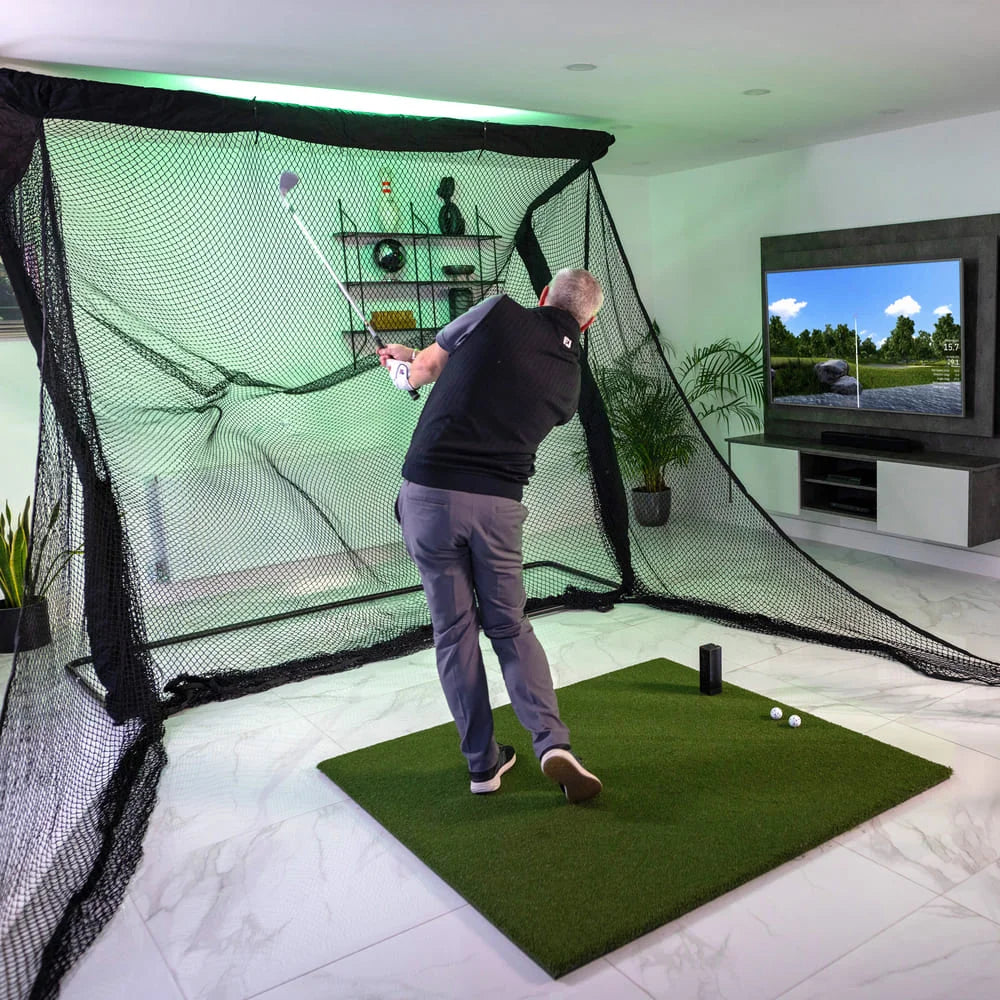
Using a golf launch monitor with a hitting net can greatly improve practice sessions. It offers clear data and instant feedback. This combination helps golfers understand their swings better and make quick changes. Practice becomes more focused and effective.
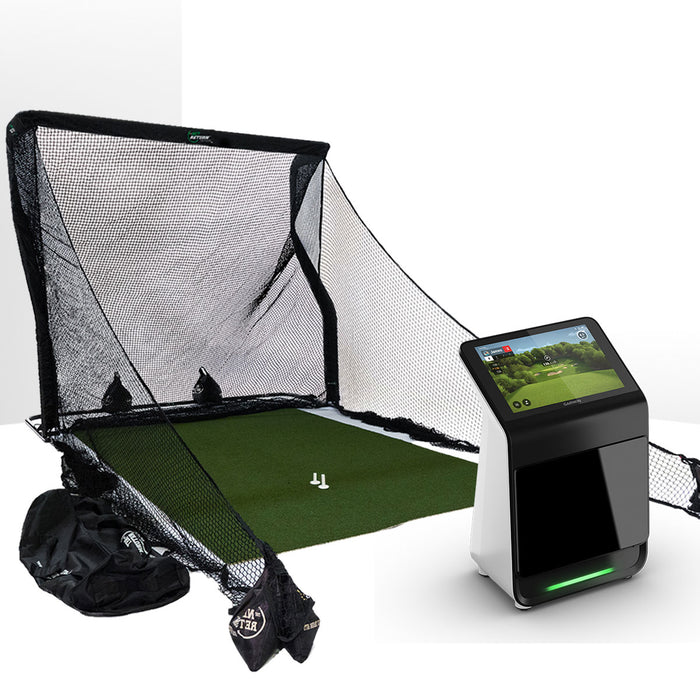
With the right tools, every shot counts. The hitting net catches the ball safely. The launch monitor measures important details. Together, they create a smart practice setup.
Combining Video And Data Analysis
Video shows your swing from different angles. Data gives numbers like ball speed and launch angle. Watching video and reviewing data together reveals hidden flaws. You see what your body does and how the ball reacts. This helps fix problems faster and build better habits.
Using Software Features
Many launch monitors come with software tools. These tools show 3D swing paths and shot shapes. You can compare current swings to past ones. Some software offers drills based on your data. Using these features makes practice more interactive and fun. It guides your training step by step.
Tracking Progress Over Time
Data saves automatically for every session. You can track changes in swing speed and accuracy. Seeing progress motivates you to keep practicing. It also highlights areas needing more work. Regular tracking builds a clear path toward improvement.
Frequently Asked Questions
Can I Use A Golf Launch Monitor With A Hitting Net?
Yes, you can use a golf launch monitor with a hitting net. It helps track ball data while safely containing shots. Ensure the net is sturdy and large enough to catch balls without interference.
Does A Hitting Net Affect Launch Monitor Accuracy?
A hitting net generally does not affect launch monitor accuracy. Most launch monitors use radar or camera technology that tracks ball flight before the ball hits the net. Position the monitor correctly for precise data.
What Size Hitting Net Works Best With Launch Monitors?
A medium to large hitting net, around 10×7 feet, works best. It provides enough space to practice full swings and ensures safety. The net should be durable to handle repeated ball impacts.
Are Launch Monitors Compatible With All Hitting Nets?
Most launch monitors are compatible with standard hitting nets. However, ensure the net does not block the monitor’s sensors or camera view. Proper setup is key for accurate readings and effective practice.
Conclusion
Using a golf launch monitor with a hitting net works well for practice. It helps you track your swing and ball data safely indoors. Choose a net that fits your space and stops the ball effectively. Make sure your launch monitor is compatible with your net setup.
This combo saves time and lets you practice anytime. Simple, useful, and efficient for improving your golf skills at home.