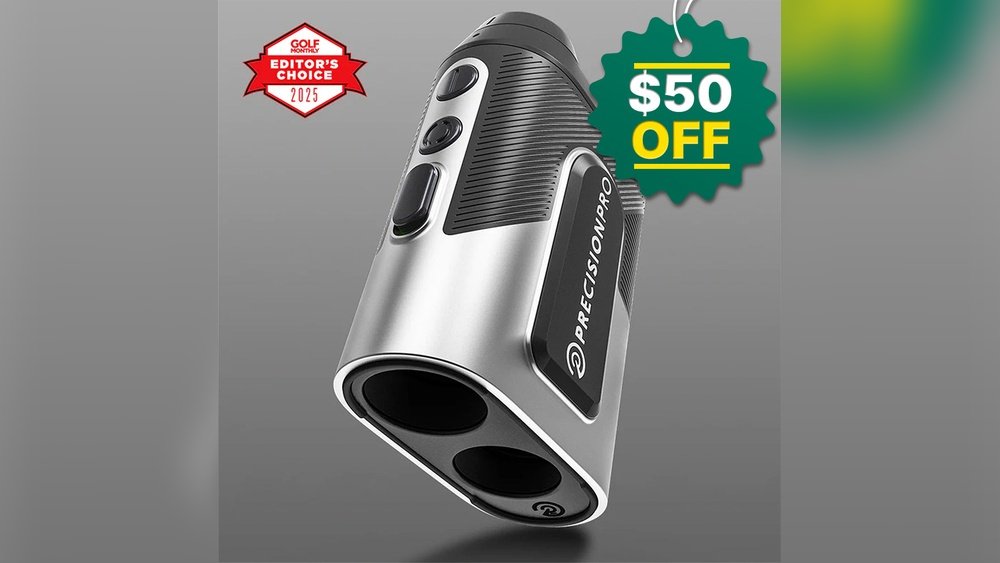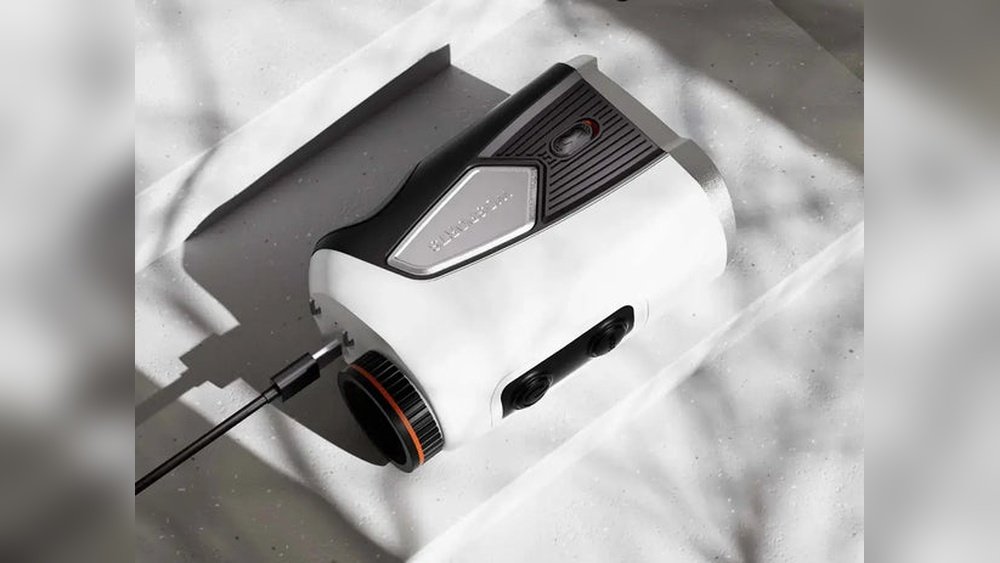
If you want your golf rangefinder to work perfectly every time, keeping it clean is a must. Dirt, dust, and smudges can blur your view and throw off your distance readings.
But don’t worry—cleaning your rangefinder is easier than you think. You’ll learn simple, effective steps to keep your device spotless and accurate. By the end, you’ll feel confident maintaining your rangefinder like a pro, so it always helps you play your best game.
Ready to get started? Let’s dive in!

Choosing The Right Cleaning Tools
Choosing the right cleaning tools is important for maintaining your golf rangefinder. Proper tools protect the lens and other parts from damage. Using the wrong items can cause scratches or harm the device’s function. Clean your rangefinder gently and carefully. Select tools that are soft and safe for delicate surfaces.
Soft Cloths And Microfiber Options
Soft cloths are perfect for cleaning a golf rangefinder. Microfiber cloths work best because they do not scratch lenses. These cloths trap dust and dirt without rubbing it into the surface. Avoid rough or abrasive fabrics that can damage the lens coating. Use a clean cloth each time to prevent spreading dirt.
Recommended Cleaning Solutions
Use mild cleaning solutions made for electronics or optics. A small amount of water mixed with gentle soap works well. Spray the solution on the cloth, never directly on the rangefinder. This method prevents moisture from entering sensitive parts. Avoid using too much liquid to keep the device safe.
Avoiding Harmful Chemicals
Harsh chemicals can ruin your golf rangefinder. Avoid bleach, ammonia, or alcohol-based cleaners. These substances strip protective coatings and cause discoloration. Stay away from household cleaning sprays and solvents. Stick to gentle, approved solutions to keep your device working well.
Preparing Your Rangefinder For Cleaning
Preparing your golf rangefinder for cleaning is an important first step. It helps protect the device from damage during the process. Taking some simple actions makes the cleaning safer and more effective.
Before you start cleaning, you need to make sure the rangefinder is off and safe to handle. Checking the device for any damage or dirt will guide you on how to clean it properly. These preparations save time and keep your rangefinder in good condition.
Powering Off And Removing Batteries
Always turn off your rangefinder before cleaning. This prevents accidental activation and protects its electronic parts. Next, remove the batteries carefully. This step avoids short circuits or damage during cleaning. Keep the batteries in a dry place while you clean the device.
Inspecting For Damage Or Dirt
Look closely at your rangefinder for cracks, scratches, or loose parts. Notice any dirt, dust, or moisture on the surface or lenses. This inspection helps you decide which cleaning tools and methods to use. Handle any damaged parts gently to avoid worsening the problem.
Cleaning The Lens And Display
Cleaning the lens and display of your golf rangefinder keeps it working well. Dirt and smudges can blur the view and affect accuracy. Regular cleaning helps maintain clear vision and sharp readings. Use gentle methods to protect the delicate parts.
Gentle Wiping Techniques
Use a soft microfiber cloth for wiping. Avoid paper towels or rough fabrics that can scratch. Wipe in a circular motion without pressing hard. Light dust can come off easily with gentle strokes. Repeat if needed, but stay gentle to protect the lens and display.
Using Lens Cleaning Solutions Safely
Choose a lens cleaner made for optics. Spray the solution on the cloth, not the lens directly. Avoid harsh chemicals or household cleaners. Gently wipe the lens and display with the damp cloth. This removes oils and fingerprints without damage.
Dealing With Stubborn Smudges
For tough smudges, dampen the microfiber cloth slightly with water. Rub the smudge softly until it lifts away. Avoid using sharp objects or abrasive materials. Let the lens air dry or use a dry cloth to finish. Clean lenses mean better performance on the course.
Maintaining The Body And Buttons
Maintaining the body and buttons of your golf rangefinder keeps it working well. Dirt and dust can cause problems. Cleaning regularly helps the device last longer. It also keeps the buttons responsive and easy to press.
Removing Dust And Debris
Use a soft brush or cloth to remove dust from the rangefinder body. Avoid using water or harsh chemicals. Gently wipe all surfaces to pick up dirt and debris. Pay attention to corners and edges where dust collects. Clean the lens area carefully, without scratching it.
Cleaning Around Buttons Without Damage
Use a dry cotton swab to clean around the buttons. This removes dirt without pushing it inside. Avoid pressing too hard to protect the button mechanisms. If needed, slightly dampen the swab with water, but never soak it. Let the rangefinder dry before using it again.
Drying And Reassembling The Rangefinder
After cleaning your golf rangefinder, drying and reassembling it correctly is vital. This step protects the device from damage and ensures it works well. Taking time to dry every part stops moisture from causing rust or electrical problems.
Proper reassembly keeps the rangefinder ready for the next round. Follow these simple steps carefully to maintain your device’s performance and durability.
Ensuring No Moisture Remains
Check all parts for water or dampness. Use a soft cloth to wipe surfaces gently. Leave the rangefinder open in a dry place for some time. Avoid using heat sources like hair dryers, which can damage the device. Make sure battery compartments are completely dry before closing.
Reinserting Batteries Correctly
Put the batteries back in the right way. Match the plus and minus signs with the compartment marks. Use fresh batteries if the old ones are weak or leaking. Close the battery cover firmly to prevent dust or moisture entry. Test the rangefinder once reassembled to confirm it powers on smoothly.
Routine Care For Long-lasting Clarity
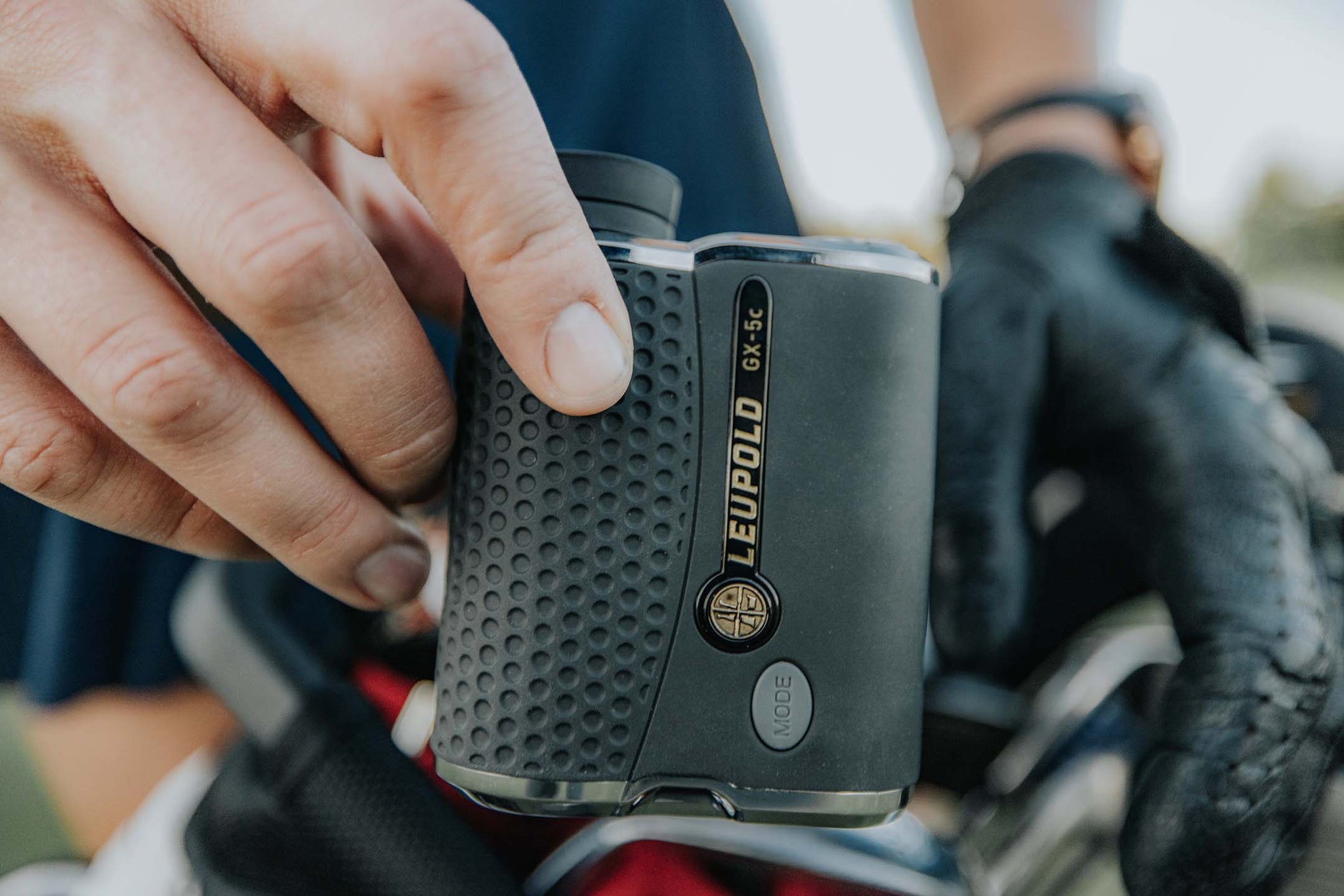
Routine care keeps your golf rangefinder clear and accurate for years. Dirt, dust, and moisture reduce lens clarity and device performance. Small daily habits help maintain your rangefinder’s sharp view on the course. Clean lenses and careful handling prevent damage and improve your shots.
Regular Cleaning Schedule
Clean your rangefinder lenses after every few rounds. Use a soft microfiber cloth to wipe dust and smudges gently. Avoid paper towels or rough fabrics that can scratch the lens. For stubborn dirt, slightly dampen the cloth with water only. Never spray liquid directly on the device. Wipe the body with a dry cloth to remove sweat and dirt.
Proper Storage Tips
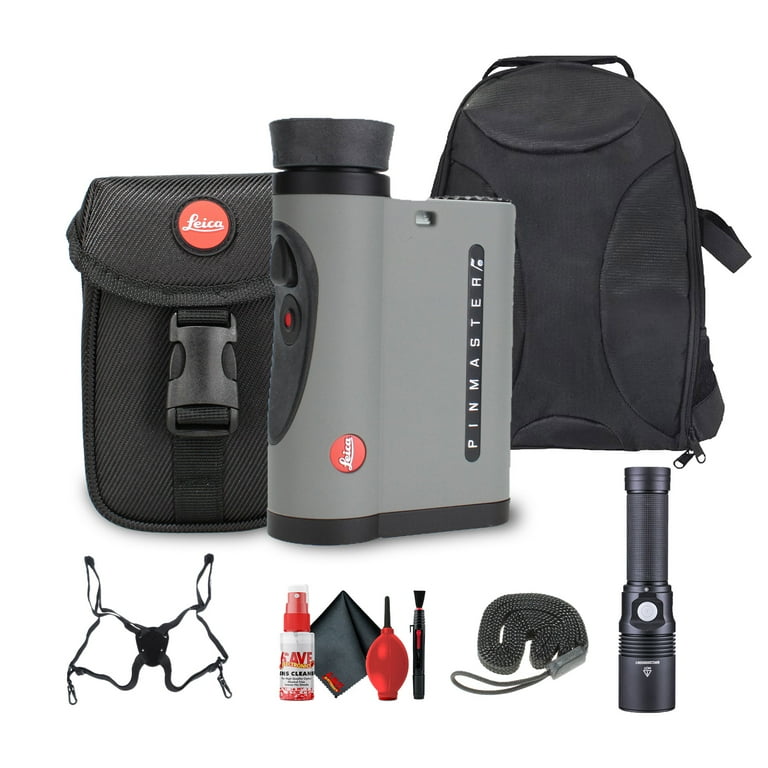
Store your rangefinder in its protective case when not in use. Keep it in a cool, dry place away from direct sunlight. Avoid leaving it inside a hot car or damp bag. Remove batteries if you do not use the device for a long time. This prevents corrosion and extends battery life. Proper storage stops dust buildup and lens fogging.
Handling Precautions On The Course
Hold your rangefinder firmly to avoid drops. Use the wrist strap if your model has one. Do not touch the lens with your fingers. Keep it away from dirt and moisture during play. Avoid exposing it to heavy rain or mud. Treat your rangefinder gently to protect its delicate parts. Small care steps ensure clear views on every shot.
Frequently Asked Questions
How Often Should I Clean My Golf Rangefinder?
Clean your golf rangefinder after every few rounds. Regular cleaning removes dirt and smudges, ensuring accurate readings. Wipe the lens gently with a microfiber cloth to avoid scratches. Avoid using harsh chemicals that can damage the device.
What Is The Best Way To Clean The Lens?
Use a microfiber cloth or lens cleaning tissue to wipe the lens. Apply a small amount of lens cleaner or distilled water if needed. Avoid using paper towels or rough fabrics that can scratch the lens surface.
Can I Use Water To Clean My Rangefinder?
Yes, use a damp cloth with a little water for cleaning the exterior. Avoid submerging the rangefinder or letting water enter the battery compartment. Always dry the device thoroughly after cleaning to prevent damage.
Should I Remove Batteries Before Cleaning The Rangefinder?
Yes, remove batteries before cleaning to prevent electrical damage or short circuits. This also makes cleaning safer, especially when using any liquids near the battery area. Always check the battery compartment for moisture before reinserting batteries.
Conclusion
Cleaning your golf rangefinder keeps it working well and lasts longer. Use a soft cloth and gentle cleaner to avoid damage. Avoid harsh chemicals or rough materials that can scratch the lens. Regular cleaning helps maintain clear readings on the course.
Small steps like these protect your device and improve your game. Keep your rangefinder clean, and enjoy better accuracy every time you play. Simple care makes a big difference in performance. Don’t forget to clean it after every few uses.
Your golf rangefinder deserves this easy attention.