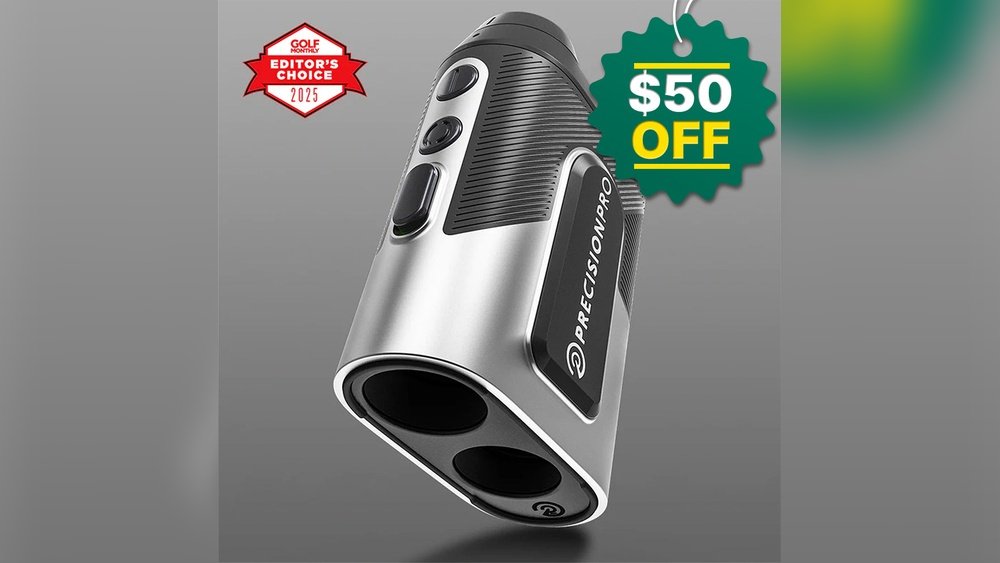
Have you ever pointed your rangefinder at the same spot, only to get different distance readings each time? It’s frustrating, isn’t it?
When your rangefinder gives inconsistent readings, it can throw off your entire game, whether you’re hunting, golfing, or working on a project. You rely on this tool for precision, so why does it sometimes fail you? You’ll discover the common reasons behind these erratic measurements and simple fixes you can try right now.
Keep reading to take control of your rangefinder and get the accuracy you deserve.
Common Causes Of Inconsistent Readings
Rangefinders sometimes give readings that do not match. This problem can confuse many users. Several common causes lead to these inconsistent results. Knowing these causes helps fix or avoid the problem. Below are some usual reasons why your rangefinder may not give steady readings.
Environmental Factors
Weather affects rangefinder accuracy. Rain, fog, or dust can block the laser beam. Bright sunlight may cause reflection issues. Trees, water, or shiny surfaces might give false signals. Using your device in clear, calm conditions improves results.
Battery Issues
Low battery power can cause weak laser signals. This leads to wrong or shaky readings. Always check battery level before use. Replace old batteries with fresh ones for best performance.
Lens And Sensor Problems
Dirt, dust, or scratches on the lens reduce clarity. The sensor may fail to detect the laser correctly. Clean the lens gently with a soft cloth. Avoid touching the lens with fingers to prevent smudges.
User Handling Errors
Holding the rangefinder too close or too far affects results. Shaking or moving the device during measurement causes errors. Keep the device steady and at the right distance. Practice using it in a calm, controlled way.
Device Calibration
Over time, rangefinders may need recalibration. Misaligned sensors cause false readings. Follow the manufacturer’s instructions to calibrate regularly. Proper calibration keeps your device accurate and reliable.
Checking Environmental Influences
Environmental factors often cause rangefinders to give inconsistent readings. Understanding these influences helps improve accuracy. Weather, light, and obstacles can all affect the device’s performance. Checking these conditions regularly can reduce errors and make your rangefinder more reliable.
Impact Of Weather Conditions
Rain, fog, and snow scatter the laser beam from the rangefinder. This scattering makes the distance reading less clear. Strong winds can also shake your hand, causing unstable readings. Cold temperatures sometimes affect the device’s battery and sensor function. Using the rangefinder in dry, calm weather usually gives better results.
Lighting And Reflection Effects
Bright sunlight can interfere with the laser’s path. It can cause glare, which confuses the sensor. Reflective surfaces, like water or glass, may bounce the laser in different directions. This bounce creates false or changing distance numbers. Finding a shaded spot or avoiding shiny surfaces improves measurement consistency.
Obstacles And Interference
Trees, branches, or tall grass can block the laser beam. Even small obstacles may reflect the laser before it reaches the target. Dust or dirt on the lens also disturbs the signal. Ensure a clear line of sight and keep the lens clean for accurate readings. Removing physical barriers helps the rangefinder work correctly.
Maintaining Your Rangefinder
Maintaining your rangefinder is key to getting steady and accurate readings. Dirt, low battery, or poor storage can cause your device to act up. Simple care steps help keep your rangefinder reliable for every use.
Cleaning The Lens And Sensors
Clean the lens and sensors carefully. Use a soft cloth or lens brush to remove dust and smudges. Avoid harsh chemicals or rough materials that can scratch the surface. Regular cleaning stops dirt from blocking the laser or affecting the sensor’s response.
Battery Replacement And Care
Check your battery often. Weak batteries cause weak signals and inconsistent results. Replace old batteries with fresh ones as needed. Use the correct battery type and insert it properly. Remove batteries if you do not use the rangefinder for a long time to prevent leaks.
Storage Tips
Store your rangefinder in a dry, cool place. Avoid leaving it in direct sunlight or damp areas. Use a protective case to shield it from dust and impacts. Keep it away from extreme temperatures that can harm the internal parts.
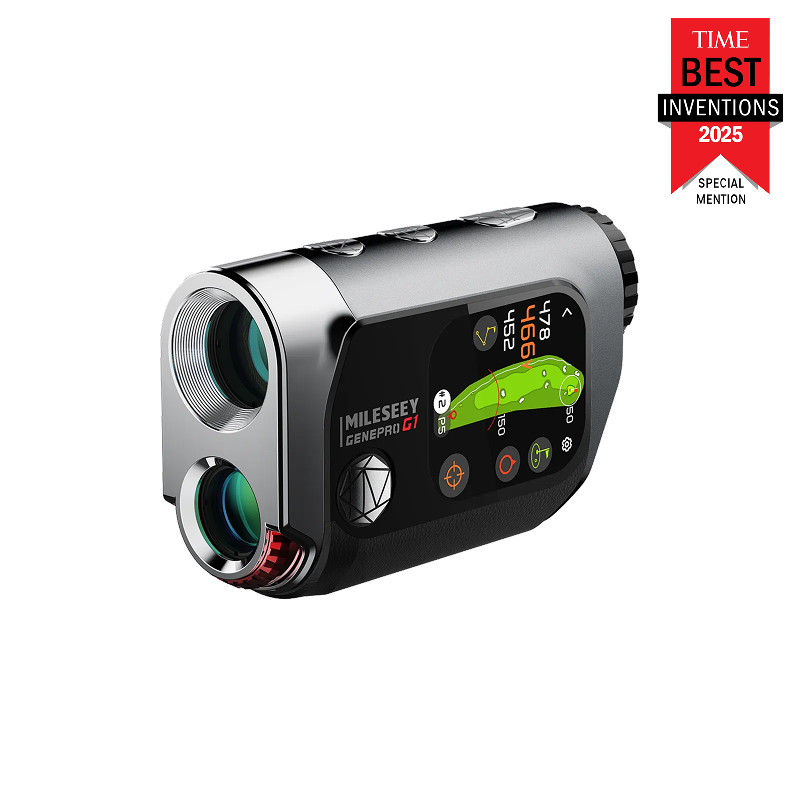
Calibration And Settings
Calibration and settings play a big role in how well your rangefinder works. If the device is not calibrated correctly, it can give wrong or inconsistent readings. Settings that do not match your environment or use case can also cause problems. Checking and adjusting these can improve accuracy and reliability.
How To Calibrate Your Rangefinder
Start by reading the user manual for specific calibration steps. Usually, calibration means setting the device to measure known distances. Find a flat, open area with markers at fixed points. Aim the rangefinder at these points and adjust the calibration settings until the readings match the known distances. Repeat the process for better accuracy.
Adjusting Device Settings
Rangefinders often have settings for different modes like golf, hunting, or general use. Choose the right mode to match your activity. Adjust settings such as measurement units (yards or meters), display brightness, and targeting options. These settings help the device work better in different light and weather conditions.
Firmware Updates
Manufacturers release firmware updates to fix bugs and improve performance. Check the brand’s website or app for updates regularly. Updating firmware can solve inconsistent reading problems and add new features. Always follow the instructions carefully when updating to avoid damage.
Proper Usage Techniques
Proper usage techniques play a key role in getting reliable readings from your rangefinder. Holding and aiming the device correctly helps reduce errors. Small mistakes can cause big differences in results. Follow simple steps to improve accuracy and trust your readings more.
Holding And Aiming Correctly
Hold the rangefinder steady with both hands. Keep your elbows close to your body for support. Aim directly at the target, not near it. Look through the lens and focus on the exact spot. Avoid moving the device while measuring. A steady hand gives clearer, more consistent results.
Avoiding Common Mistakes
Do not use the rangefinder in heavy rain or fog. These conditions blur the laser and reduce accuracy. Avoid aiming at shiny or reflective surfaces like glass or water. The laser can bounce and give wrong readings. Do not measure through branches or other objects. Always check the battery level before use.
Best Practices For Accurate Readings
Take multiple measurements and compare the results. Use the average to get a better estimate. Keep the lens clean and free from dirt or smudges. Store the device in a dry place to protect it. Calibrate your rangefinder regularly if possible. Follow these steps to ensure more accurate readings every time.
When To Seek Professional Help
Knowing when to get professional help can save you time and money. Some problems with your rangefinder need expert care. This section explains when to seek help and how to choose the right service.
Identifying Hardware Malfunctions
Hardware issues often cause inconsistent readings. Look for cracks, loose parts, or strange noises. If the device won’t turn on or shuts off suddenly, it likely needs repair. Problems like these cannot be fixed with simple cleaning or battery changes. A professional can check internal components and fix or replace damaged parts.
Warranty And Repair Options
Check if your rangefinder is still under warranty. Many brands offer free repairs within the warranty period. Avoid trying to fix it yourself, as this may void your warranty. Contact the manufacturer or the store where you bought it to learn about repair options. Use authorized repair services to keep your warranty valid and ensure quality work.
Choosing A Service Provider
Pick a repair shop with good reviews and experience with rangefinders. Ask about their repair process and the time it takes. Confirm they use original parts for replacements. A reliable service provider will offer a warranty on repairs. This gives you peace of mind and protects your investment.
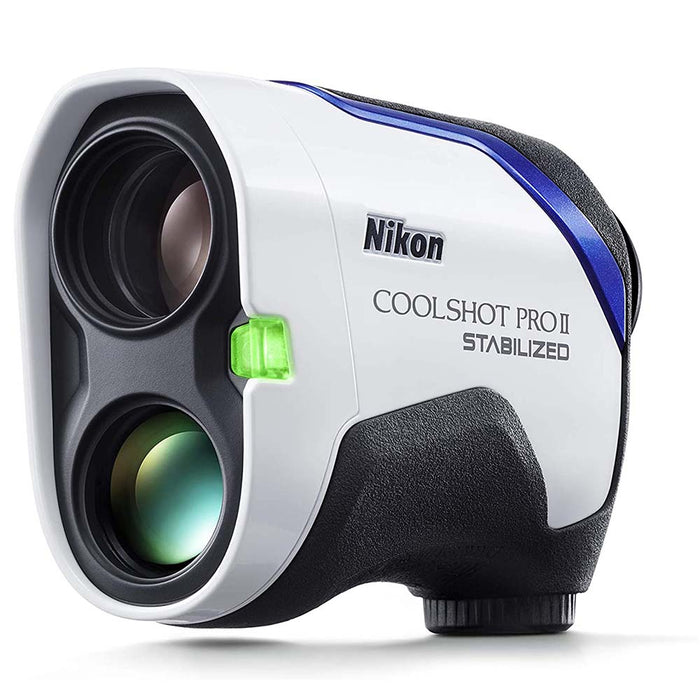
Frequently Asked Questions
Why Does My Rangefinder Show Different Distances Sometimes?
Inconsistent readings often result from poor lighting, reflective surfaces, or moving targets. Ensure steady aim and use the device in clear conditions for accuracy.
Can Weather Affect My Rangefinder’s Accuracy?
Yes, fog, rain, and bright sunlight can distort laser signals. Use your rangefinder in clear weather to get consistent and reliable measurements.
How Do I Calibrate My Rangefinder For Better Results?
Refer to the user manual for calibration steps. Regular calibration aligns the device’s sensors, improving measurement consistency and accuracy.
Does Battery Level Impact Rangefinder Performance?
Low batteries can weaken the laser’s power, causing erratic readings. Always use fully charged batteries to maintain optimal device performance.
Conclusion
Rangefinder readings can change due to many small reasons. Dirt, weather, or battery issues often cause errors. Using the device on shiny or uneven surfaces can confuse it. Checking and cleaning your rangefinder regularly helps a lot. Always aim steadily and avoid moving while measuring.
Understanding these tips will improve your device’s accuracy. Keep your rangefinder in good shape for reliable results. Consistent readings make every outdoor activity easier and more fun.