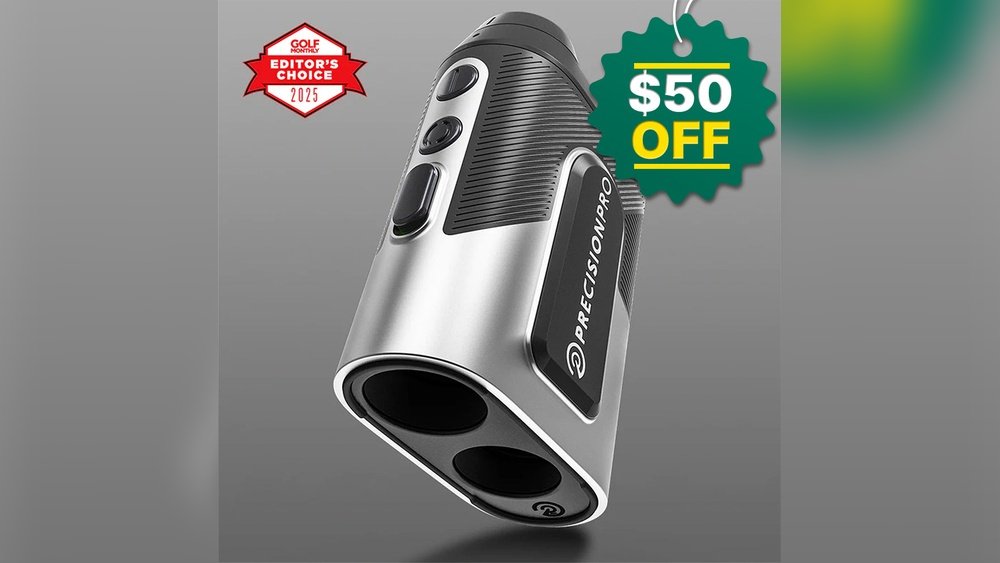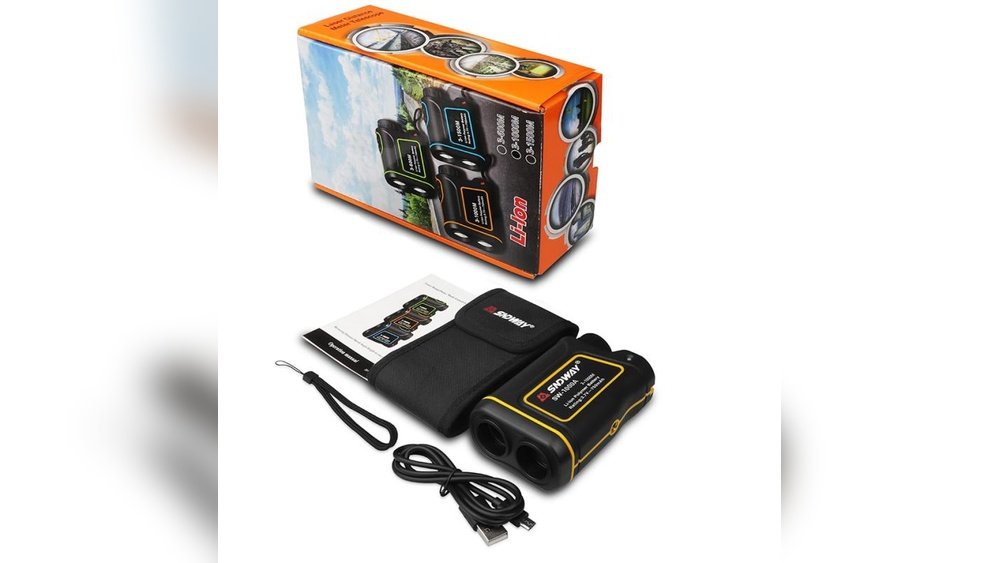
Have you ever stood on the golf course, ready to take your shot, only to find your rangefinder isn’t working? It’s frustrating when your trusted device suddenly stops giving you the distance you need.
You rely on it to improve your game, but now it feels like it’s letting you down. Don’t worry—you’re not alone, and there are simple reasons why this happens. Keep reading to discover the common problems behind a malfunctioning golf rangefinder and how you can fix them quickly to get back on track.

Common Rangefinder Issues
Golf rangefinders can stop working for several common reasons. Understanding these issues helps you fix problems quickly. Simple checks often restore your device’s function. Below are typical problems that affect rangefinders.
Battery Problems
Battery issues are the most frequent cause of failure. Dead or weak batteries stop the rangefinder from powering on. Check the battery level regularly. Replace old batteries with fresh ones. Use the correct battery type for your model. Ensure battery contacts are clean and not corroded.
Lens Obstructions
Dirt, dust, or moisture on the lens can block the laser. Clean the lens gently with a soft cloth. Avoid using harsh chemicals that damage the glass. Inspect the lens for scratches or cracks. These can affect the device’s ability to measure distances accurately.
Software Glitches
Rangefinders with digital displays may face software issues. These glitches cause freezing or inaccurate readings. Restart the device to clear minor errors. Update the device’s firmware if updates are available. Follow the manufacturer’s instructions for updates carefully.
Calibration Errors
Incorrect calibration leads to wrong distance measurements. Some rangefinders require manual calibration after use or impact. Use the calibration feature in the settings menu. Refer to the user manual for proper calibration steps. Regular calibration keeps your rangefinder accurate on the course.
Quick Fixes For Battery Issues
Battery problems are a common cause of golf rangefinder failures. Quick fixes can save time and get your device working again fast. Checking the battery and replacing it properly often solves the issue. Using rechargeable batteries may also help in the long run. Below are some easy steps to handle battery issues.
Checking Battery Life
Start by checking the battery life. Most rangefinders have a battery indicator. Look for low or empty battery signs. Test the battery with a multimeter for accuracy. Weak batteries can cause the device to turn off or act strangely. Replace the battery if the voltage is low.
Replacing Batteries Properly
Remove old batteries carefully to avoid damage. Insert new batteries in the right direction. Check the positive and negative ends match the device’s markings. Clean battery contacts with a dry cloth if dirty. Secure the battery cover firmly to keep connections stable.
Using Rechargeable Options
Rechargeable batteries are a good choice for frequent players. They save money and reduce waste. Use a charger compatible with your battery type. Charge fully before use to avoid low power issues. Keep spare rechargeable batteries ready for long days on the course.
Clearing Lens And Sensor Blockages
Clearing lens and sensor blockages is a key step to fix a golf rangefinder. Dirt, dust, or smudges can stop the device from working properly. Even small particles can affect the laser’s path and sensor’s reading. Regular cleaning helps keep your rangefinder accurate and ready for use.
Cleaning The Lens Safely
Use a soft, clean cloth to wipe the lens. Microfiber cloths work best. Avoid using rough materials that can scratch the lens surface. Lightly dampen the cloth with water if needed. Do not spray water or cleaner directly on the lens to prevent damage.
Removing Dirt And Debris
Check the lens and sensor for dust or tiny dirt spots. Use a soft brush or a can of compressed air to remove debris gently. Blowing air can clear hard-to-reach areas without touching the lens. Avoid using sharp tools or fingers to clean, as this can push dirt deeper.
Avoiding Scratches And Damage
Always handle the rangefinder with care during cleaning. Keep the lens covered when not in use. Store the device in a padded case to protect it from scratches. Avoid cleaning with harsh chemicals or abrasive materials. Protect the sensor and lens for long-lasting performance.
Resetting And Updating Firmware
Resetting and updating the firmware can fix many problems with your golf rangefinder. These steps help clear errors and improve device performance. Sometimes, the device software needs a refresh to work properly again.
Resetting returns the device to its original settings. Updating firmware adds new features and fixes bugs. Both actions are important for smooth operation.
Performing A Factory Reset
Turn off your golf rangefinder first. Find the reset button or menu option in settings. Press and hold the reset button for 10 seconds. This clears all current settings and errors. After reset, your device restarts with default settings.
Checking For Software Updates
Connect your rangefinder to a computer or app. Check the manufacturer’s website for the latest firmware. Look for update instructions specific to your model. Updates fix bugs and improve accuracy.
Installing Updates Correctly
Download the update file carefully. Follow all steps exactly as shown. Keep the device powered during installation. Do not disconnect or turn off the rangefinder. After update, restart the device to apply changes.
Calibration Tips
Calibration is key for your golf rangefinder to work well. It helps the device give accurate distance readings. Without calibration, your shots may miss the mark. Regular calibration keeps your tool reliable on the course.
How To Calibrate Your Rangefinder
Start by reading the user manual for specific steps. Usually, calibration involves aiming at a known distance. Adjust the settings until the rangefinder matches that distance. Some models have a calibration mode. Use it to fine-tune your device quickly.
When To Recalibrate
Recalibrate after changing batteries or updating software. Also, do it if the readings seem off. Sudden temperature changes can affect accuracy. Recalibrate after exposure to extreme weather. Regular checks prevent errors during play.
Using Calibration Tools
Some rangefinders come with special calibration tools. These can be targets or apps for precise adjustments. Use a flat, stable surface during calibration. A tripod helps keep the device steady. These tools improve accuracy and ease the process.
Environmental Factors Affecting Performance
Environmental factors can cause your golf rangefinder to work poorly. These elements affect the device’s ability to measure distances accurately. Understanding these factors helps fix common problems quickly.
Impact Of Weather Conditions
Rain, fog, and mist reduce the laser’s reach. Moisture in the air scatters the laser beams. This makes it harder for the rangefinder to get a clear reading. Strong winds can move your target or the device slightly, causing errors. Cold weather can also affect the battery life, reducing performance.
Interference From Surroundings
Trees, bushes, and other objects block the laser path. Dense foliage can confuse the sensor, giving wrong distances. Reflective surfaces like water or shiny metal can cause false readings. Crowded golf courses with many players nearby may cause signal interference. Always aim at a clear, solid target for best results.
Adjusting For Lighting
Bright sunlight can make it hard to see the display. Glare on the screen reduces readability and accuracy. Low light or shadows may confuse the laser sensor. Use the rangefinder’s brightness settings to match lighting conditions. Try to shield the device from direct sun for clearer readings.
When To Seek Professional Help
Knowing when to seek professional help with your golf rangefinder saves time and frustration. Some problems need expert care to fix properly. Acting quickly can prevent more damage and costs.
Identifying Hardware Failures
Hardware failures often cause rangefinders to stop working. Signs include a blank screen, no power, or unresponsive buttons. Strange noises or overheating also indicate hardware issues. These problems rarely fix with simple troubleshooting. A professional can diagnose and repair such faults safely.
Warranty And Repair Options
Check your rangefinder’s warranty before attempting repairs. Most brands offer coverage for defects and malfunctions. Repair services under warranty can save money. Outside warranty, professional repairs might cost more but ensure quality. Avoid opening the device yourself; it may void the warranty.
Choosing A Service Center
Select a service center with experience in golf rangefinders. Authorized centers use original parts and follow brand guidelines. Look for centers with good reviews and clear service policies. Professional technicians provide accurate repairs and reliable advice. This choice protects your device’s performance and longevity.

Frequently Asked Questions
Why Is My Golf Rangefinder Not Turning On?
Your golf rangefinder may not turn on due to a dead battery, loose battery contacts, or internal damage. Check the battery and replace it if needed. Ensure the battery is properly installed. If it still won’t turn on, contact the manufacturer for repair or replacement options.
How Do I Fix A Golf Rangefinder Not Measuring Distance?
A rangefinder may fail to measure distance because of dirty lenses, poor lighting, or incorrect mode settings. Clean the lens gently with a microfiber cloth. Use the correct mode for your environment. Avoid aiming at reflective surfaces, which can distort readings.
Can Weather Conditions Affect My Golf Rangefinder’s Accuracy?
Yes, fog, rain, and bright sunlight can impact rangefinder performance. Moisture on the lens or extreme lighting can cause inaccurate readings. Use a weather-resistant model for better results and wipe the lens dry before use to maintain accuracy.
What Should I Do If My Golf Rangefinder Shows Error Messages?
Error messages often indicate a battery issue, lens obstruction, or device malfunction. Replace or recharge the battery, clean the lens, and reset the device. Refer to the user manual for specific error codes and troubleshooting steps.
Conclusion
A golf rangefinder may not work due to simple issues like dead batteries or dirty lenses. Check these first before moving to complex problems. Sometimes, settings or environmental factors can cause trouble too. Regular care and proper use keep your device reliable.
Don’t ignore small signs of malfunction; fix them early. Keep practicing and stay patient. Your rangefinder will soon work smoothly again, helping improve your golf game step by step.