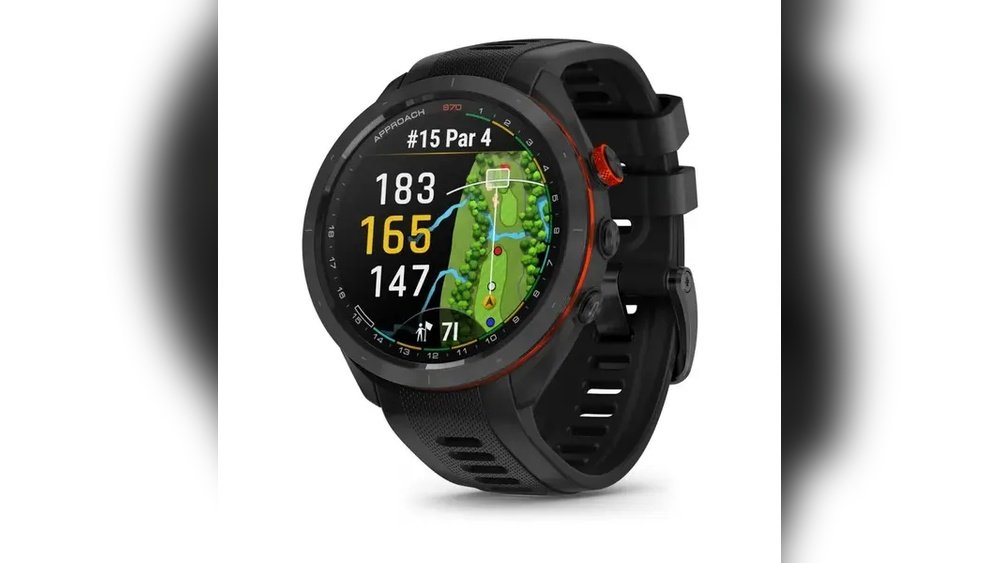
Is your GPS golf watch acting up or freezing right when you need it most? You’re not alone.
When your trusted device glitches, it can throw off your entire game. But don’t worry—resetting your GPS golf watch is easier than you think. In this guide, you’ll discover simple, step-by-step instructions to get your watch back in perfect shape quickly.
Keep reading, and you’ll be ready to hit the green with confidence again.
Reasons To Reset Your Gps Golf Watch
Resetting your GPS golf watch can solve many problems you might face during a game. The device may slow down or stop working correctly. A reset helps clear these issues and makes the watch work like new again.
Sometimes, the watch may not track your location accurately. Resetting can fix this by refreshing the software and GPS connection. It also helps update the device to run smoothly with new course data.
Common Issues Needing A Reset
One common problem is the watch freezing or becoming unresponsive. This can happen if the software crashes or gets stuck.
Another issue is incorrect distance readings. The watch might show wrong yardages or lose connection to satellites.
Battery life may also drain faster than usual. Resetting can help improve power management and extend usage time.
Benefits Of Resetting The Device
A reset clears temporary errors and refreshes the system. It often restores normal speed and performance.
The watch can reconnect to GPS satellites better after a reset. This improves distance accuracy on the course.
Resetting also removes unnecessary files or settings that slow down the device. It helps keep the watch running longer between charges.
Types Of Resets For Gps Golf Watches
GPS golf watches may need resets to fix issues or improve performance. Different reset types serve different purposes. Knowing the right reset type helps maintain your device properly.
Resets can clear temporary errors or restore the watch to its original settings. Choose a reset based on the problem your watch shows.
Soft Reset
A soft reset restarts the watch without deleting data. It fixes minor glitches like freezing or slow response. Press and hold the power button until the screen turns off. Then, turn it back on. This reset is safe and quick.
Hard Reset
A hard reset forces the watch to reboot if it is unresponsive. Use this when the watch is frozen and won’t turn off normally. Hold the power button for about 10 seconds. The watch will restart and clear temporary files. This reset does not erase your data.
Factory Reset
A factory reset erases all data and settings. It returns the watch to the original factory state. Use this if problems continue after other resets. Go to the settings menu and select “Factory Reset” or “Restore Defaults.” Backup your data before this reset. It removes all personal information and apps.
Step-by-step Soft Reset Guide
Resetting your GPS golf watch can fix many small issues. A soft reset is quick and safe. It does not erase your data. This guide shows you how to do it step-by-step. Follow these simple steps to get your watch working smoothly again.
When To Use Soft Reset
Use a soft reset if your watch is frozen. If it stops responding, try a reset. It helps when apps crash or lag. A soft reset clears temporary errors. It is different from a full reset, which deletes data. Try this before any hard reset.
Performing The Soft Reset
First, find the power button on your watch. Press and hold it for 10 seconds. Wait until the screen turns off. Release the button once the watch powers down. Press the power button again to turn it on. Watch should start normally. Check if the problem is gone.
Performing A Hard Reset Quickly
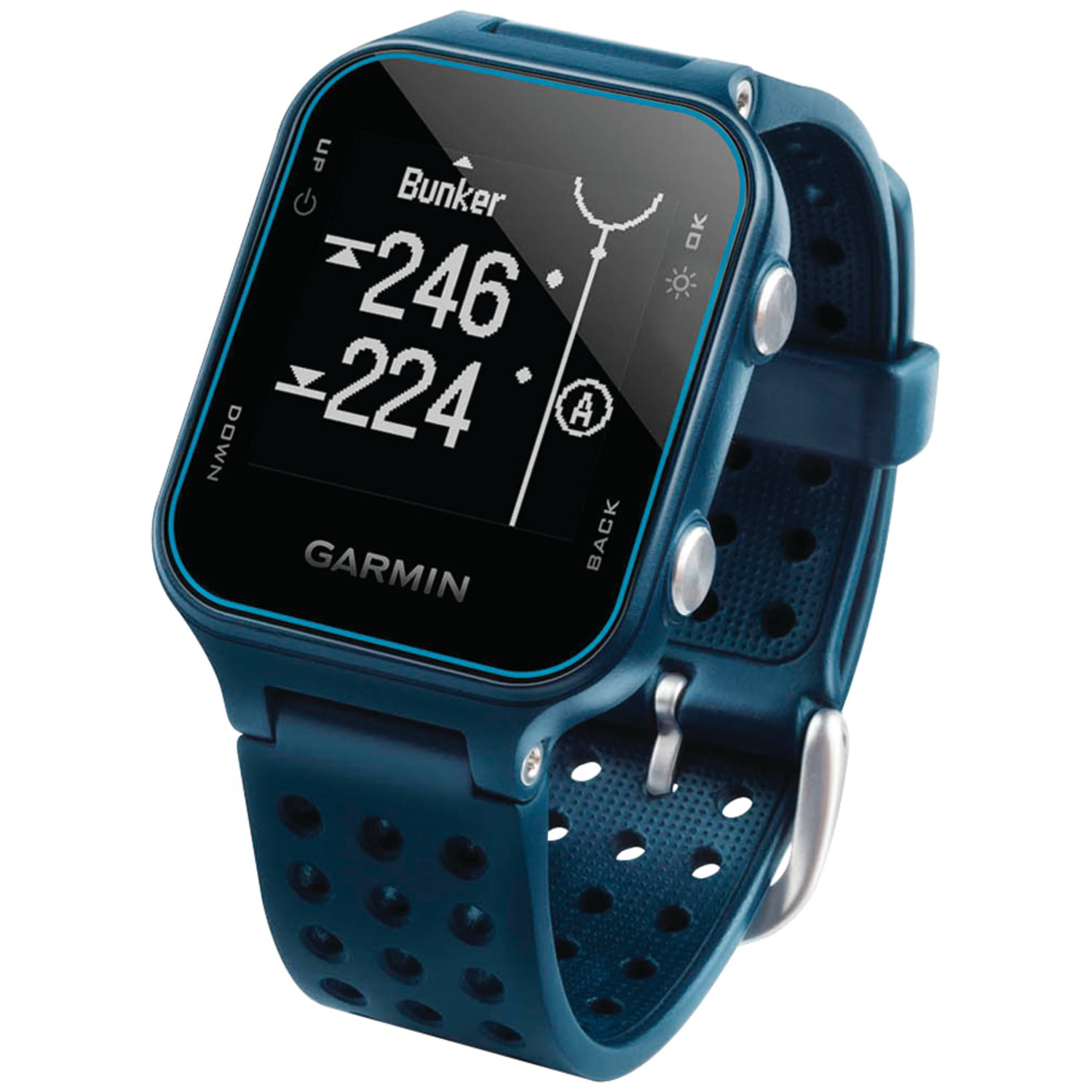
Performing a hard reset on a GPS golf watch is a quick way to fix problems. It restores the device to its original settings. This helps clear glitches and improve performance fast. A hard reset is different from a simple restart. It wipes all settings and data, so use it carefully.
Knowing when to do a hard reset saves time. It stops frustration from a frozen or unresponsive watch. The process is simple and takes just a few minutes.
Indications For Hard Reset
Look for these signs before a hard reset:
- The watch freezes or stops responding.
- GPS does not track your location correctly.
- Buttons do not work or lag.
- The screen stays black or blank.
- The watch runs very slow or crashes often.
If these happen, a hard reset can help fix the issues.
Stepwise Hard Reset Instructions
Follow these steps to perform a hard reset quickly:
- Turn off the GPS golf watch completely.
- Press and hold the power button for 10 seconds.
- Release the button when the logo appears.
- Wait for the watch to restart fully.
- Navigate to the settings menu after reboot.
- Select “Reset” or “Factory Reset” option.
- Confirm the reset by selecting “Yes” or “OK.”
- The watch will erase all data and restart.
The watch is now reset to factory settings and ready to use.
Factory Reset Process
The factory reset process restores your GPS golf watch to its original settings. This step clears all personal data and settings. It can solve many issues like freezing or slow performance. A factory reset is a fresh start for your device. Follow the steps carefully to avoid losing important data.
When To Choose Factory Reset
Choose a factory reset if your watch crashes often. It helps if the screen freezes or buttons stop working. Use reset when updates cause problems. Also, reset before selling or giving away your watch. It removes all personal information safely.
Backing Up Your Data
Back up your data before starting the reset. Save your scores, settings, and personal info. Use the watch’s app or connect to a computer. This prevents permanent loss of important data. Check if all files are saved correctly before reset.
Executing Factory Reset
Turn off your GPS golf watch. Hold the power button and another key as per manual. Wait until the reset screen appears. Follow on-screen instructions to confirm the reset. The watch will restart and clear all data. Set it up again like a new device.
Tips To Avoid Future Gps Watch Issues
Keeping a GPS golf watch working well takes more than just resetting it. Simple habits help avoid future problems. These tips keep your watch accurate and reliable on the course.
Regular Maintenance
Clean your watch often. Dirt and sweat can block sensors. Use a soft cloth and mild soap. Avoid harsh chemicals that damage the device. Check the buttons and screen for damage regularly. Fix small issues early to stop bigger problems.
Software Updates
Watch makers release updates to improve performance. Install these updates as soon as possible. Updates fix bugs and add new features. Connect your watch to Wi-Fi or a computer for updates. This keeps your watch running smoothly and accurately.
Battery Care
Charge your watch properly. Avoid letting the battery die completely. Charge it before it gets too low. Use the charger that came with the watch. Extreme temperatures can harm the battery. Store the watch in a cool, dry place when not in use.
Troubleshooting Common Reset Problems
Resetting a GPS golf watch can solve many issues. Sometimes, users face common problems during the reset process. Knowing how to handle these issues saves time and frustration. Here are some tips to troubleshoot frequent reset problems.
Watch Not Responding
The watch may freeze or not react to button presses. Try holding the power button for 10 seconds. This forces a restart. If that fails, remove the battery if possible. Wait for a minute, then reinsert it. Make sure the watch has enough charge before resetting.
Data Loss Concerns
Resetting might erase saved data such as scores or settings. Back up your data before starting a reset. Use the watch’s app or connect it to a computer. This keeps your information safe. Check the manual to see what data the reset clears.
Contacting Customer Support
Problems may need expert help. Contact the watch brand’s customer support if resets do not work. Have your model number and purchase details ready. Explain the issue clearly. Support can guide you step-by-step or arrange repairs.
Frequently Asked Questions
How Do I Perform A Soft Reset On A Gps Golf Watch?
To soft reset, press and hold the power button for 10 seconds. This restarts the device without erasing data. Use this to fix minor glitches or freezing issues quickly.
What Are The Steps To Hard Reset A Gps Golf Watch?
A hard reset usually involves navigating to the settings menu. Select “Reset” or “Factory Reset” to erase all data and restore default settings. This solves persistent problems but deletes your saved information.
Can Resetting Improve Gps Accuracy On My Golf Watch?
Yes, resetting can recalibrate the GPS system. It clears cached data and forces a fresh satellite connection. This often improves location accuracy and overall watch performance on the golf course.
Will Resetting My Golf Watch Delete My Saved Golf Courses?
A soft reset does not delete your courses or data. However, a hard reset or factory reset will erase all saved information. Back up your data before performing a full reset to avoid loss.
Conclusion
Resetting your GPS golf watch helps fix many common issues. It clears errors and refreshes the system quickly. Always follow the steps carefully to avoid problems. A simple reset can improve your watch’s performance. Keep your device updated for the best results.
Regular resets keep your golf watch working smoothly. Try these tips next time your watch acts up. Easy and effective.


